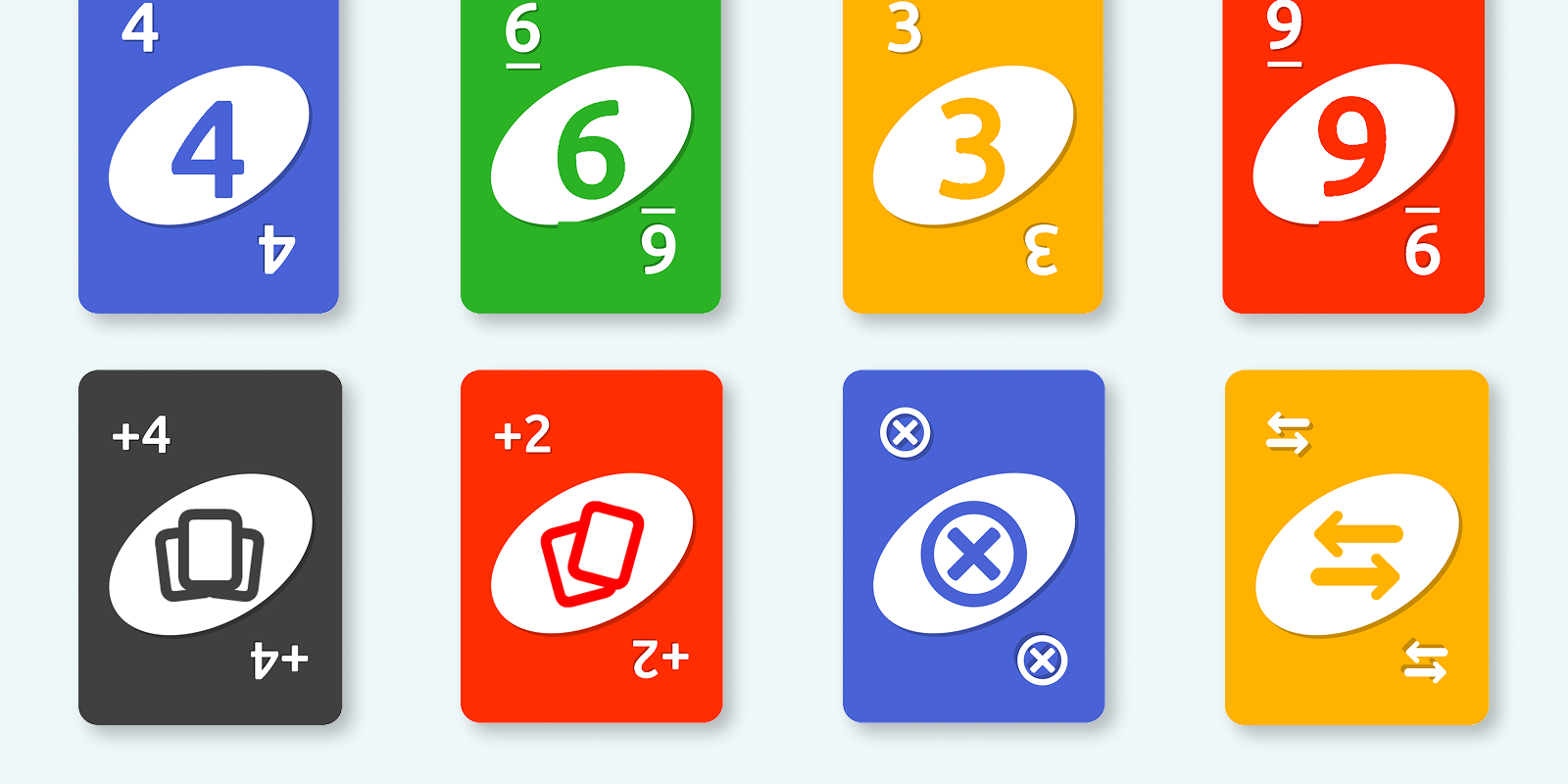
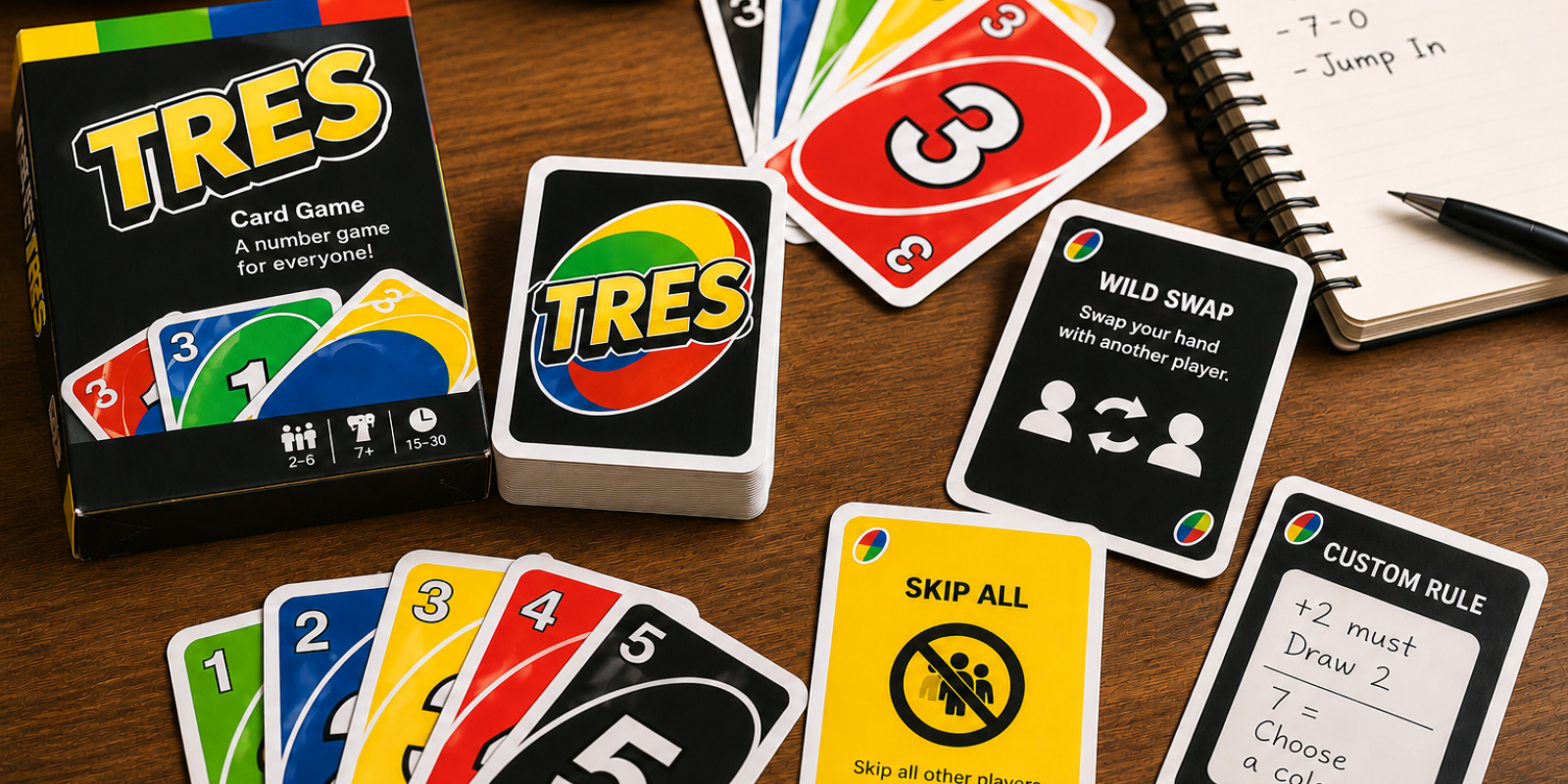
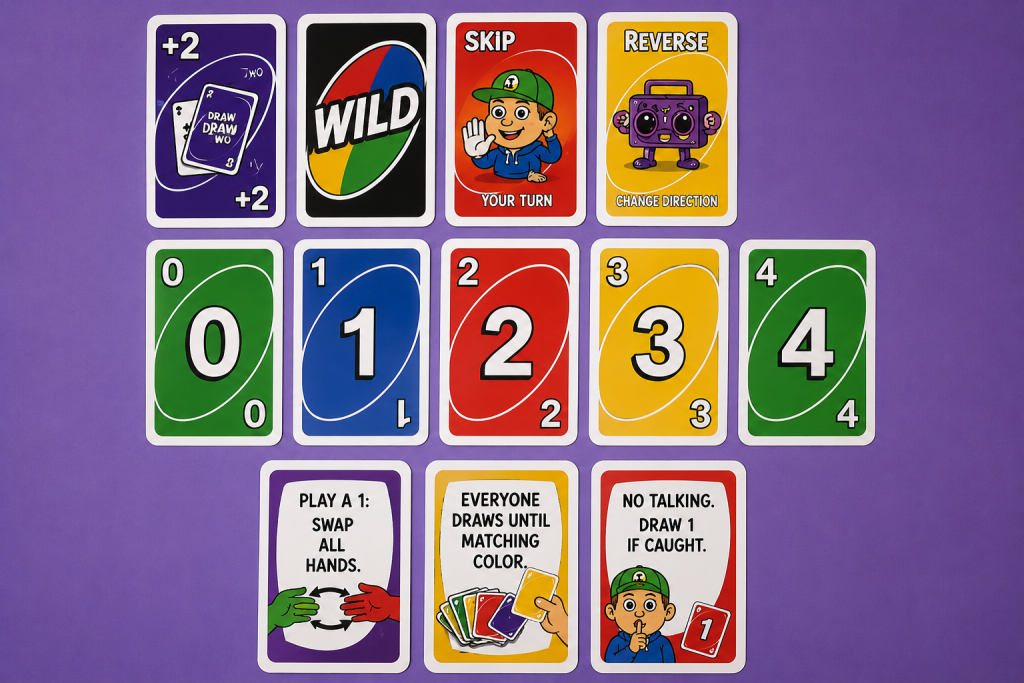
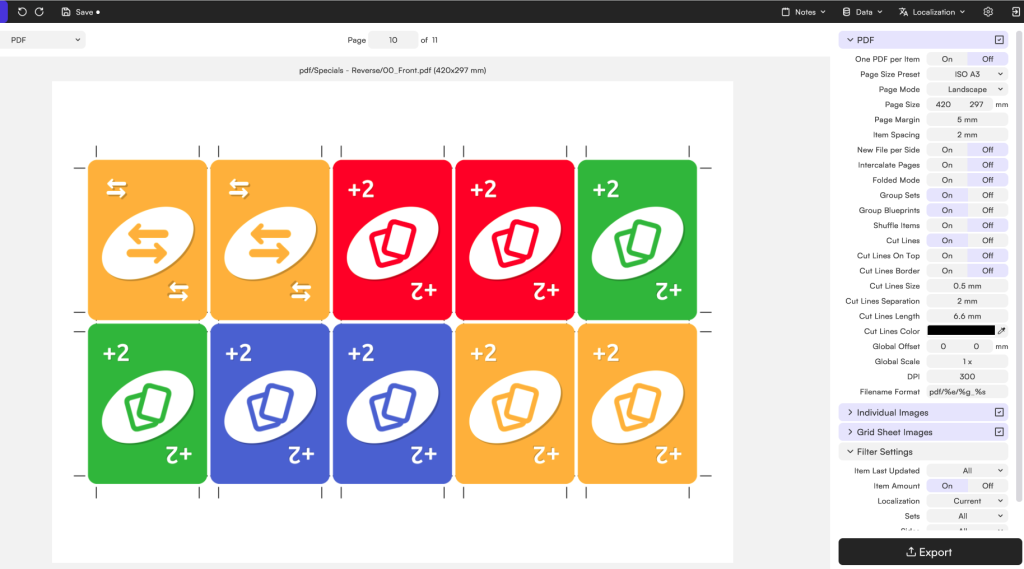
Ready to break the rules? Create custom cards, add game-changing action effects and design your own number card game from scratch. Whether you’re making a print-and-play deck, a family game or pure chaos, this template has you covered.
Getting this UNO-Inspired template ready for your next game is easier than winning a round with a lucky draw. You only need two things:
Once you have the template, make sure to unzip the file.
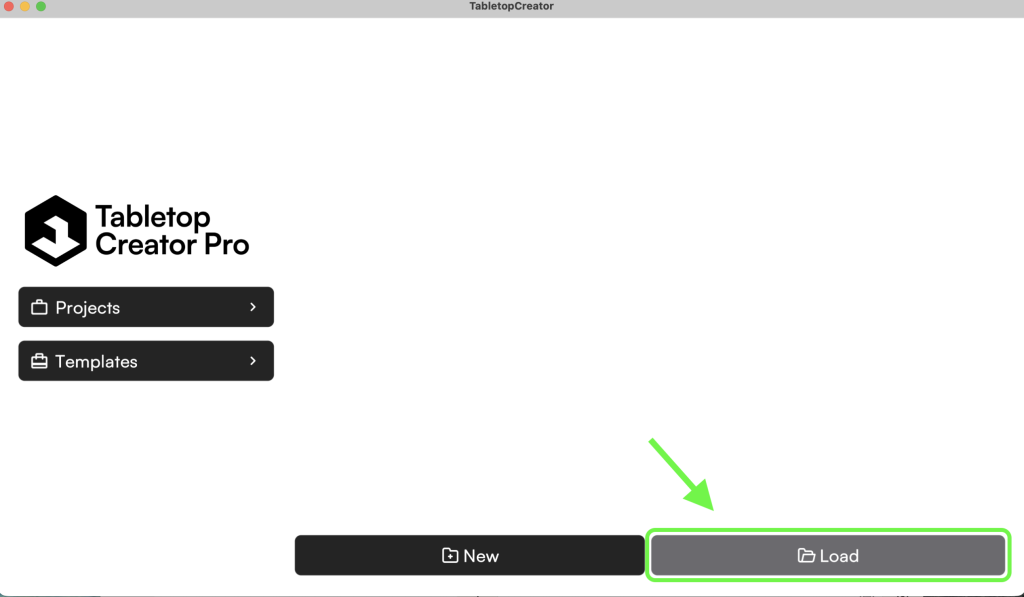
Then open Tabletop Creator and head over to Projects. Hover over it and you’ll see two options: New and Load. Since we’re not starting from scratch this time, click Load.
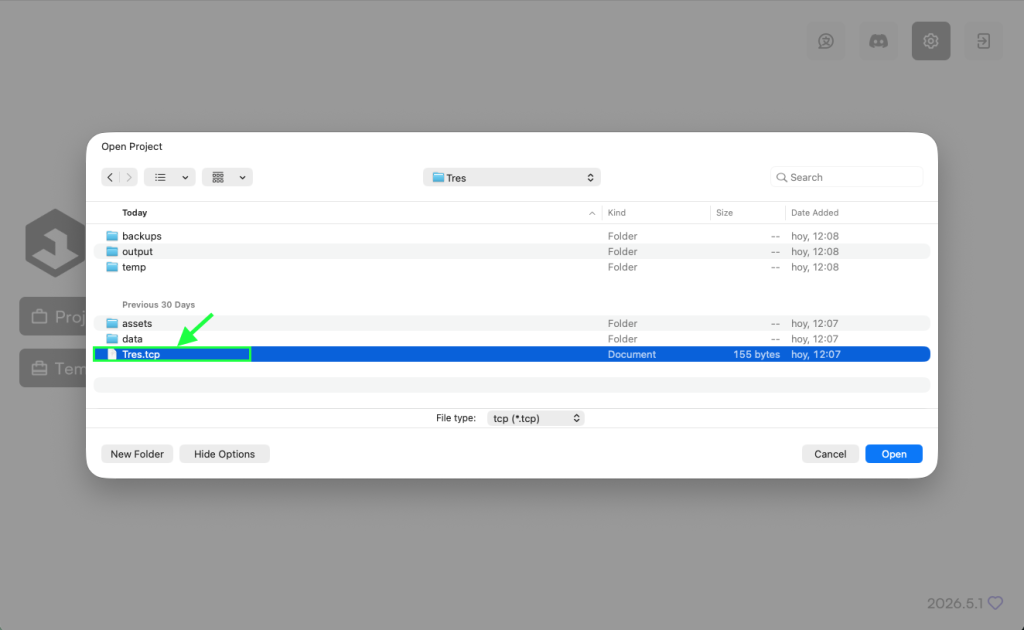
Next, select the folder you unzipped earlier and open the .tcp file inside.
And… ta-da! 🎉 Your custom number card game is ready to go.
Number cards, action cards, wild cards, questionable house rules waiting to happen… the whole package is there. Now it’s your turn to swap things around, invent new effects, break the balance completely, and create the card game your friends will either love or refuse to play ever again.
You can use the template as-is, but that’s really just the starting point.
If you’d rather create your own version, the template is designed to be modified in any way you can imagine. Add more cards, create new card types, introduce house rules, redesign the visuals, change the colors, or completely reinvent how the game works.
Want a deck packed with draw effects? Go for it. Want every card to trigger a special action? Why not? Your game, your rules.
You could duplicate cards one by one, but there’s a much faster way.
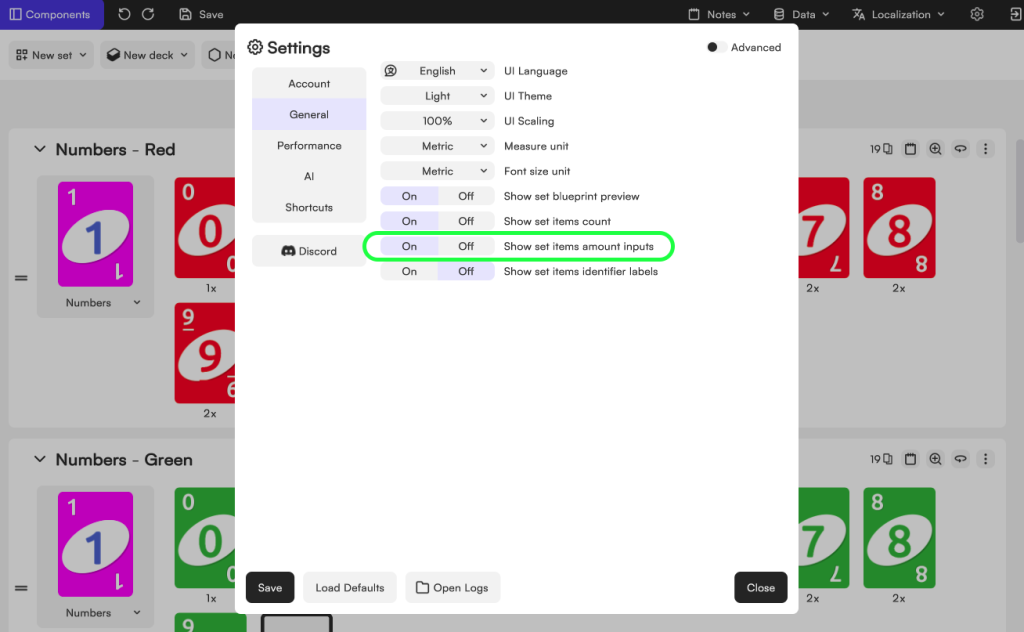
Open Settings (the gear icon in the top-right corner), go to General, and enable Show Set Items Amount Inputs. Save your settings and you’ll notice that each card set now displays a quantity field.
From there, simply increase the number of copies you want for any card. Whether you want ten copies or five hundred, Tabletop Creator will handle the rest automatically.
If you want to go beyond the default setup, you can create entirely new sets of cards.
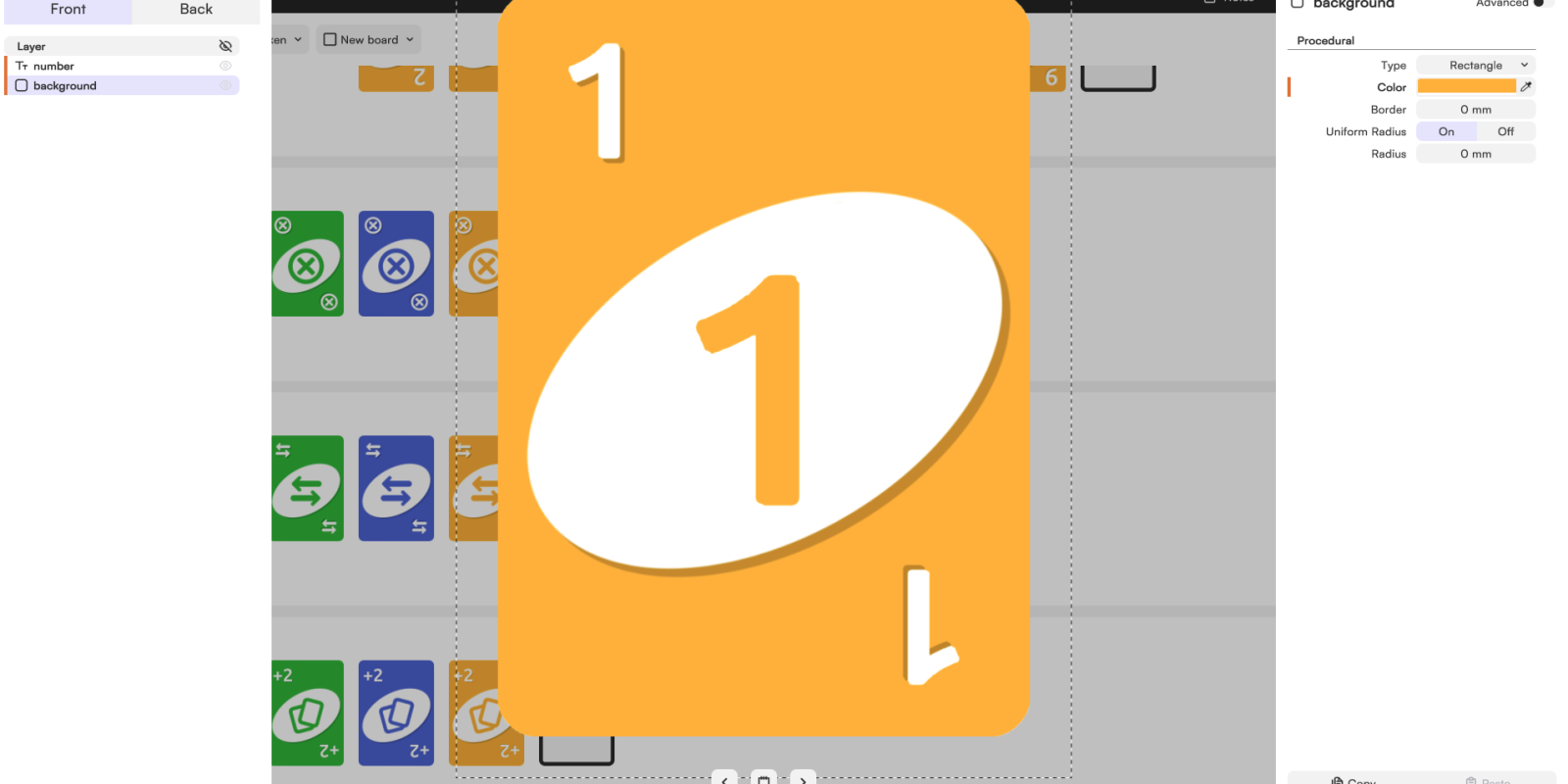
For example, you could create a new set called Crazy Rules and fill it with custom cards that introduce new mechanics. You can build these cards using the same blueprint as the existing cards, since they all share the same structure. The only things that change are the artwork, colors, values, and effects.
The goal of a custom rule isn’t simply to make players draw more cards or create random effects. A good rule introduces a new dynamic to the game.
Maybe it encourages negotiation. Maybe it rewards risk-taking. Maybe it creates uncertainty, temporary alliances, or moments of tension around the table. The most successful rules change how players think, not just what happens to them.
When designing your own cards, focus on the decisions and interactions you want to create. The effect itself can be surprisingly simple.
Creating custom cards is fun. Preparing them for print usually isn’t.
With a deck-building project like this one, everything looks great until you reach the final step. Suddenly you’re dealing with card sizes, bleed areas, paper formats, front and back alignment, crop marks, and figuring out how to fit an entire deck onto printable sheets without ruining the layout.
And when you’re working with cards, even tiny mistakes become obvious. A slightly misaligned back, a missing bleed area, or a card that’s a few millimeters off can make the whole deck feel unprofessional.
That’s exactly the problem Tabletop Creator was designed to solve.
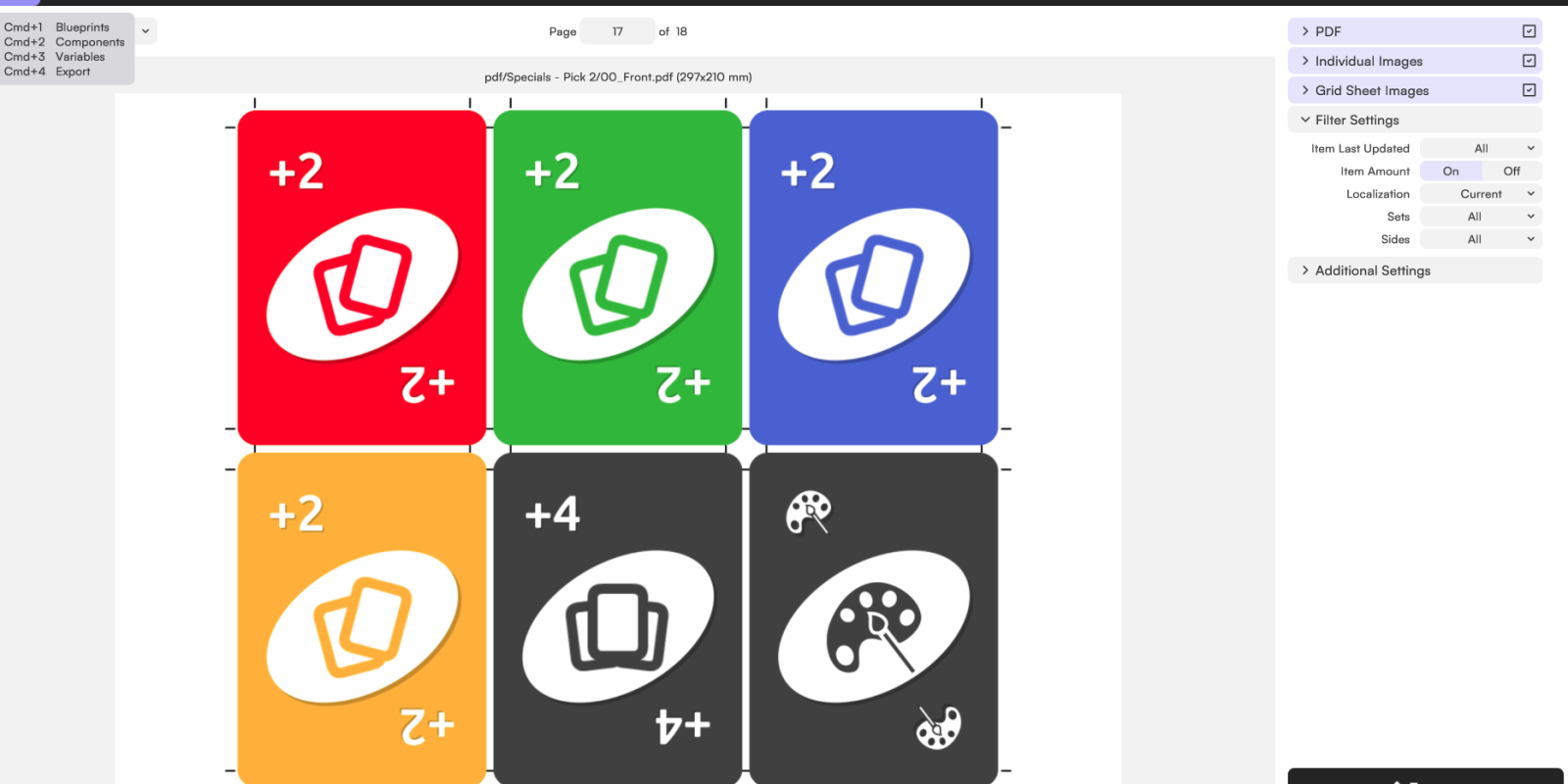
Once your custom deck is ready, the platform can automatically prepare print-ready files using the settings that best match your needs. Whether you’re making a quick print-and-play version at home or preparing a polished deck for professional printing, you can configure paper size, bleed, spacing, crop marks, export format, and more in just a few clicks.
So go ahead and spend your time creating ridiculous new cards and chaotic house rules. We’ll handle the boring printing stuff.

Whether you’re looking for a printable card game template, custom UNO-style cards, or a way to create your own house rules, this tabletop template gives you a solid foundation to build on—for free. Start with the classic mechanics, customize every aspect of the deck, and experiment with new ideas until the game feels truly yours. From design to print-ready files, everything is built to make creating custom card games easier.
Create your own board game, make your dreams come true, and ruin your friends’ patience. With Tabletop Creator you’ll have the essential tools to do it easily.