
We have made a compilation of AI tools and platforms that can help you to create a board game and to face the blank sheet syndrome. Here are some of the ones we found most interesting:
Real talk: this first one isn’t technically on the “6 tools” list, since we built it ourselves. But it felt weird sending you off to browse five other tools before mentioning the one already sitting inside your project. We’ll get to the rest right after, promise.
0. Tabletop Creator’s Built-in AI Image Generator
You don’t need to juggle five different tools to get from blank page to finished prototype. Tabletop Creator has its own AI image generator built right into the app, so you can create card art, tokens, and board pieces without ever leaving your project. No exporting, no re-importing, no matching styles across three different tools — just describe what you need and drop it straight onto your blueprint.
And no, it’s not locked behind a paywall: it’s included in the Free plan (limited uses) and the Pro plan (extended uses), so you can start playing with it right away.
You get separate fields for the description and the style, so you’re not cramming everything into one giant prompt and hoping for the best — that gives you real control over the result. Not into prompting? We’ve already loaded in a set of classic predefined styles so you can just pick one and go.
You can iterate on whatever you generate, or even on your own photos, tweaking it until it looks right.
Not ready to commit to your character’s exact look yet? Hit the random button. How wild do you want to get? Generate a random image and just see what happens — perfect as a fun placeholder while you’re still figuring out the details.
And unlike most of the tools on this list, going Pro here isn’t a forever-subscription — it’s a one-time payment. No recurring charges just to keep generating.
1. Inworld AI
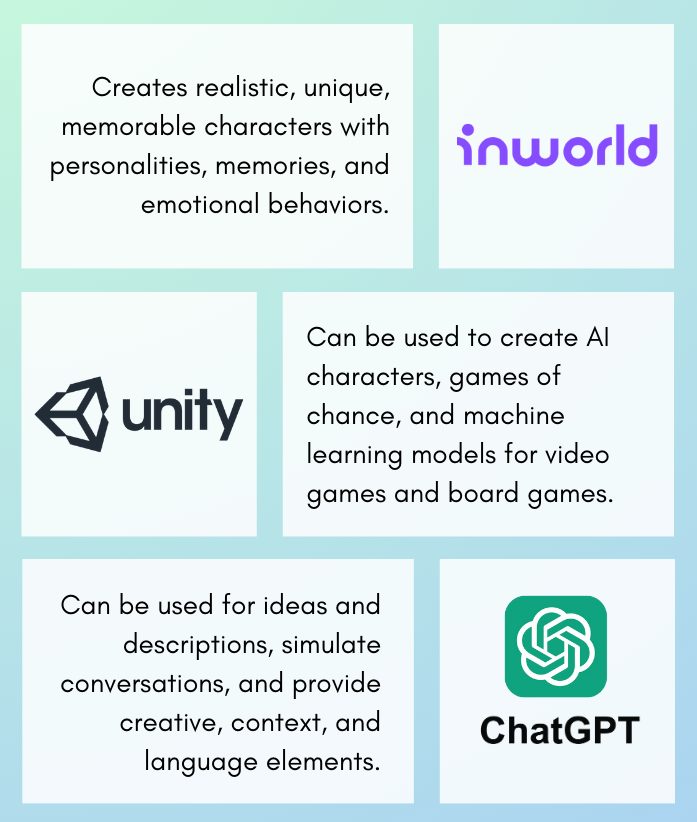
Inworld AI focuses on creating realistic characters with unique personalities, memories and emotional behaviors. Although this tool is specifically focused on character creation, it can be of great help for those developing a board game in which the characters have an important weight and require a lot of detail and realism.
You may ask, “why do I need to implement bot characters in my boardgame?”. Well, you don’t in many cases, but boardgames aren’t just physical releases or meant to be played on a platform like Tabletop Simulator. You can argue that Slay the Spire (not the boardgame version) can be treated in a way as a traditional boardgame. The mechanics and some component design follow the same rules. So, Inworld AI can be very useful in designing a game like this.
It can be used to create characters with unique personalities, memories, and emotional behaviors. This type of AI tools can make the characters more realistic and memorable for players.
Inworld AI can also aid you in developing characters with different levels of intelligence and cunning. If you are developing a game in which the different characteristics will have an impact on the game mechanics, you could use this tool while planning and creating more fleshed out characters with unique characteristics.
2. Unity
Unity is commonly used to create video games but can also be used to create board games. It has a large number of resources such as the creation of graphics, games of chance or machine learning models that allow you to test your board games.
When it comes to AI Tools Unity has a number of different features that make it helpful a useful one, such as Unity Machine Learning Agents, Unity Sentient, Unity Mars and Unity OVR. However, when it comes to board game design, what will help you the most is AI character creation.
In a similar way to Inworld, Unity can use AI to create characters automatically, which can serve as inspiration when you are stuck. This can be used for games that require characters to have a high degree of intelligence, such as action games or adventure games.
While Unity’s tools aren’t the best for the board game format, playing around with it if you already have experience in game design can help you get inspired.
3. ChatGPT (or Google’s Gemini)
AITools such as ChatGPT are large language models that can be used to generate ideas or descriptions of characters, objects and scenarios; to simulate conversations or interactions with players. It is useful to provide creative, context and language elements.
Nowadays there’s rising competition for Chat GPT, such as Grok (X / Twitter) and Gemini. They can help you with code, develop backstories for your characters or even create the rules of your game. However, they are not perfect.
These AI tools are just language models and can be more limited in character and game creations than the other AI’s we’ve presented you. ¿The positive? They are all free to access, which make’s it an extremely accesible way to play around and try to over come a creative block.
4. Tensor Flow
TensorFlow is an open-source software library for machine learning. It can be used to create machine learning models that can be used for a variety of tasks, including image recognition, natural language processing, and speech recognition.
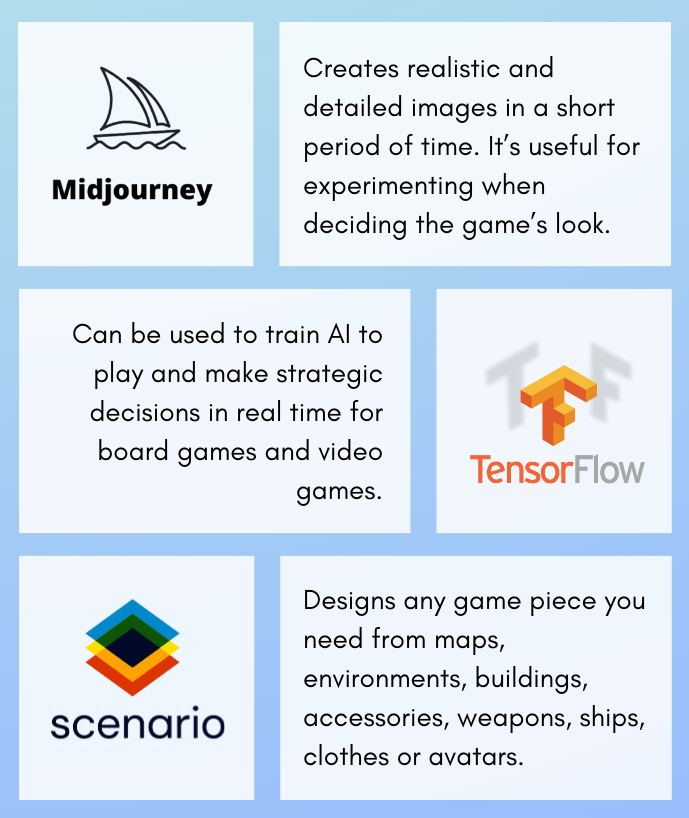
TensorFlow can also be used for machine learning in board games, as this tool is very useful if you want to train an AI to play and make strategic decisions in real time.
Let’s say you are designing a boardgame that’s meant to be played in a digital platform. In this case TensorFlow could be used to create an AI player that can play the game, so the player can play with a bot instead of a person.
The AI player can be trained on a dataset of human gameplay, and it can then learn to play the game as well as, or even better than, a human player.
AI players that are able to learn and adapt over time. This can make the game more challenging and engaging for human players. The AI character’s, as they learn, should be able to play the game in a variety of different styles. This can make the game more re-playable and unpredictable.
5. Midjourney
Midjourney: creates realistic and detailed images in a short period of time, which can save a lot of time and resources in the creation process for the conceptual or styling part.
You could use it to create the visual resources of your game in a more cost efective way than hiring an artist to work on your project. When starting a project like designing a game, money and funding is going to have an impact on te viability of the game and whether or not you can get it publish.
It’s always better to have an artist working alongside with you, it will make the look of your game more unique as more and more people start using these AI tools, however both options have their pro’s and con’s.
In addition, Tabletop Creator incorporates its own AI for image generation to make it easier and faster for you to develop the prototype.
6. Scenario
Scenario: design any game piece you need from maps, environments, buildings, accessories, weapons, ships, clothes or avatars with the style you choose. You can train this AI by giving it style reference images and you will get all kinds of resources for your game.
You can use it in a similar way to midjourney, only that this tool does focus more on game design than just art work.
Scenario is a Generative AI focused on the gaming industry, and offers game designers more control over more specific aspects such as the characters, maps, backgrounds,… If you want more control when designing your board games this tool will give it to you.
Beyond AI tools: agents that design with you
All the tools above help you create assets. But what if you could just ask for the changes you want? There’s now a Claude Code plugin for Tabletop Creator that lets you talk to an AI agent instead of clicking through menus — “add 12 goblin cards to the minions deck,” “give all cards a 3mm bleed and export in CMYK,” and it makes the change directly in your project file.
What it can do inside your project
- Read and summarize what’s in your project
- Build or edit blueprints — layouts, layers, text and image panels
- Add, edit or bulk-generate cards and components
- Manage your custom variables and icon shortcuts
- Configure your PDF, image or Tabletop Simulator export
- Scaffold a brand new project from scratch
It’s free, open source, and backs up your project automatically before touching anything. If you want to try it, check out the plugin here.
Each of these AI tools has a specific function that can be of great help in developing your board games, as they can allow you to overcome creative blocks to create more interesting and realistic games.
If you want to put these AI tools to the test in your very own game, Tabletop Creator is an intuitive software that will help you design your dream board games.