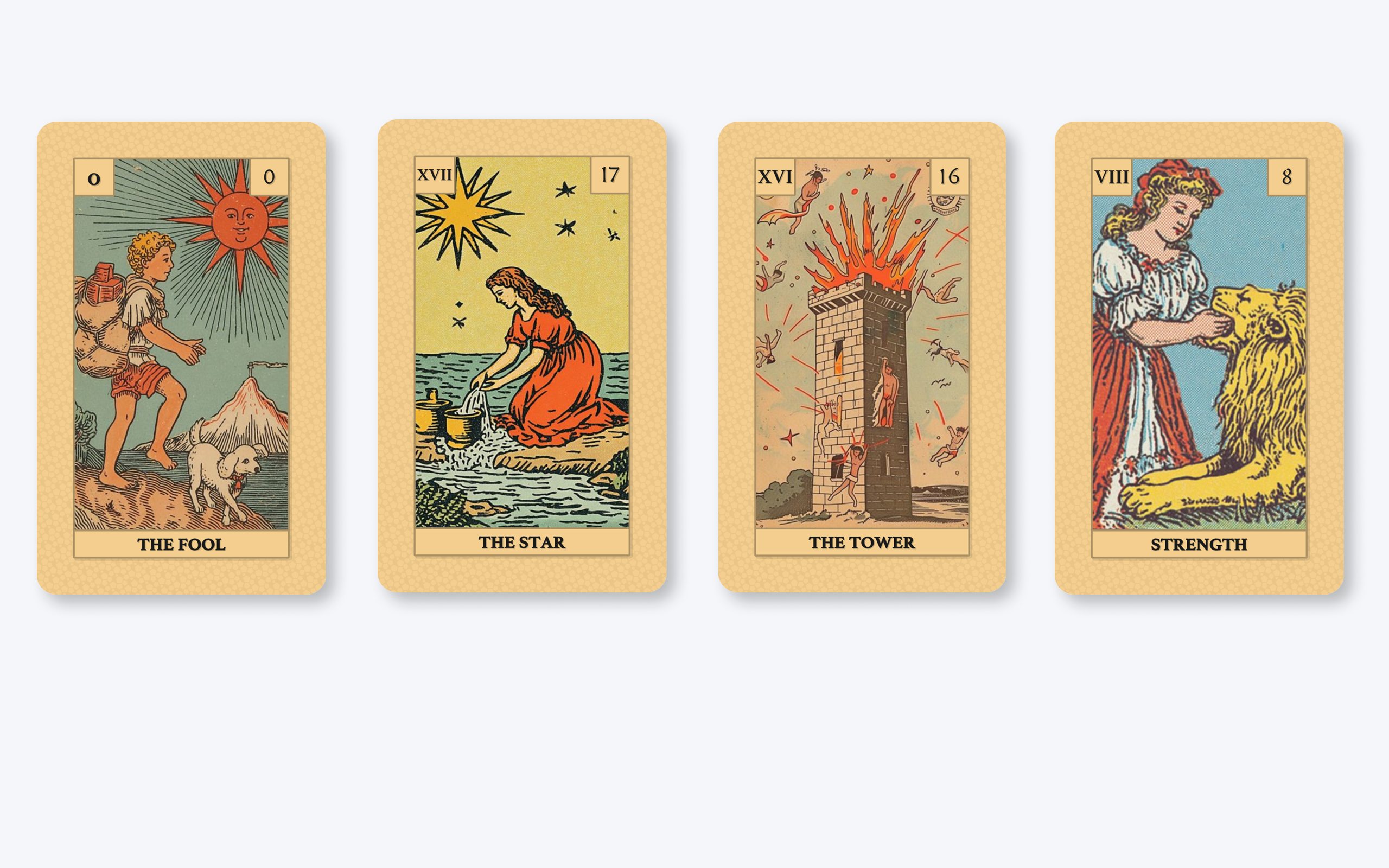
Create your own tarot deck with customizable cards, layouts and printable designs. From classic Rider–Waite inspired structures to completely original concepts, Tabletop Creator gives you everything you need to design a tarot experience that feels truly yours.
Most traditional tarot decks follow a structure of 78 cards divided into the Major and Minor Arcana. While styles can vary greatly — from classic Rider–Waite inspired decks to modern oracle aesthetics — tarot cards usually share similar proportions and printable formats.
This template gives you a flexible starting point to create traditional, modern or completely experimental tarot experiences.
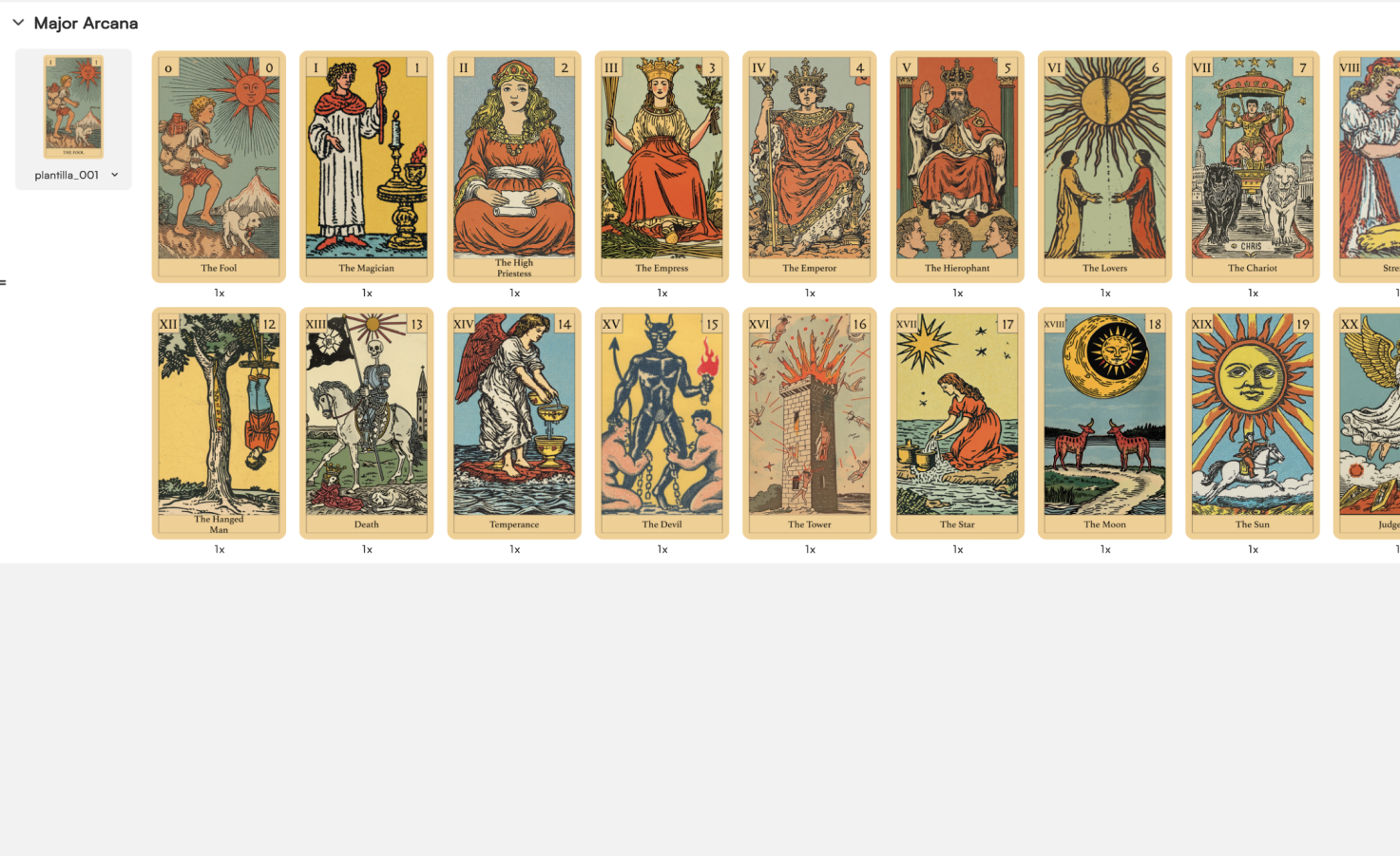
While the Major Arcana usually steal the spotlight, we know that some creators want to go all the way and build a complete Tarot deck. That’s why the template also includes the Minor Arcana cards.
In a Tarot reading, the Major Arcana represent the big themes, life lessons, and transformative moments. The Minor Arcana, on the other hand, focus on the day-to-day aspects of life: relationships, work, emotions, decisions, opportunities, and challenges. They add nuance and context to a reading, helping explain how those larger themes are playing out in everyday situations.
If you’ve ever looked at a Spanish deck, the structure will probably feel familiar. Both systems organize cards into suits and numbered ranks, creating a framework that can represent a wide range of situations and meanings. In many ways, the Minor Arcana are the Tarot’s equivalent of the cards most people would encounter in traditional playing decks: the cards that bring the reading down from the realm of destiny and archetypes into the realities of everyday life.
So while plenty of people create decks featuring only the Major Arcana, a complete Tarot deck wouldn’t really be complete without them.
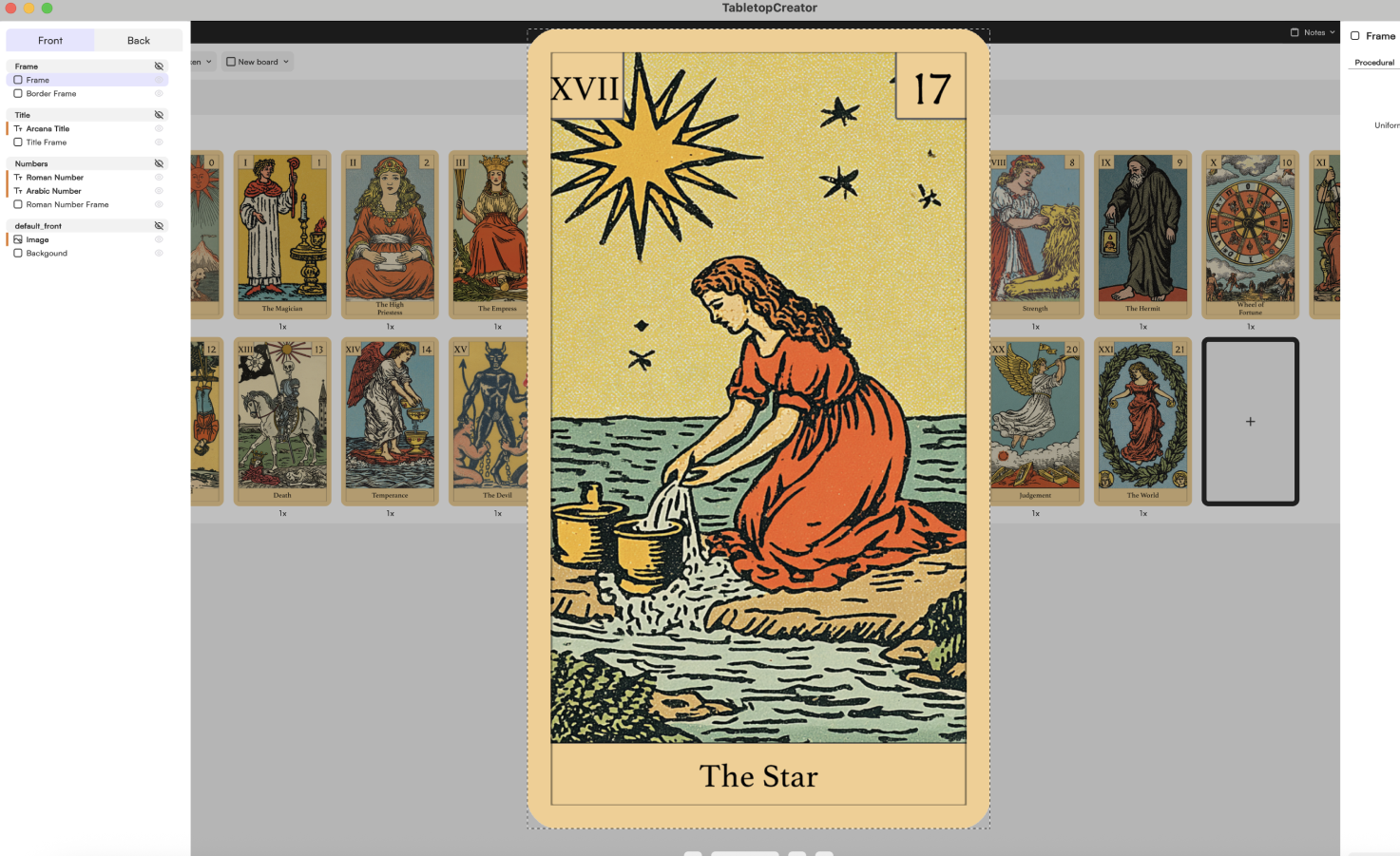
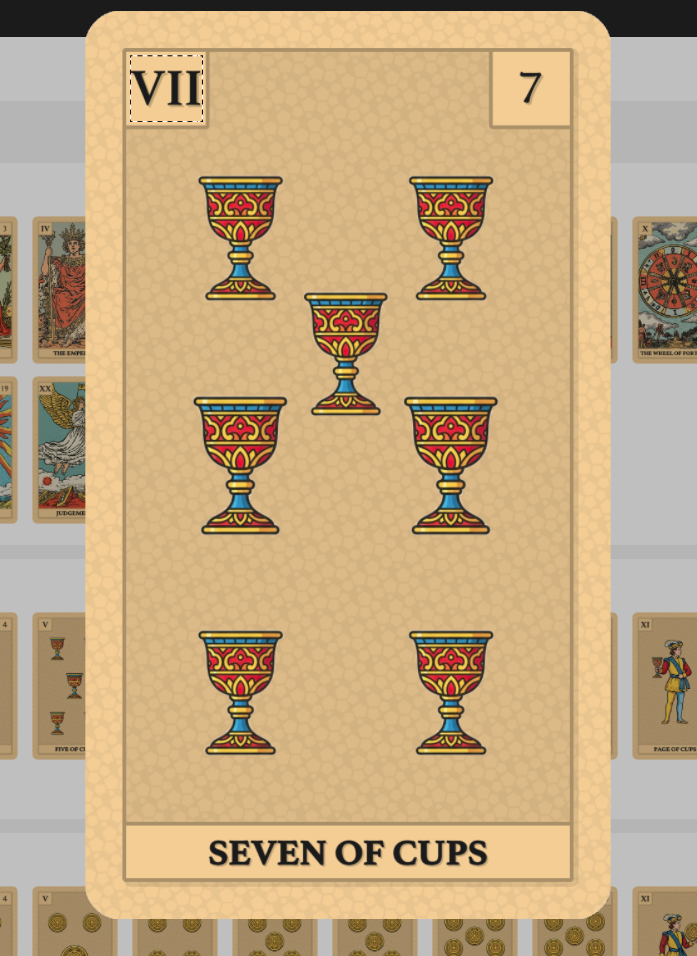
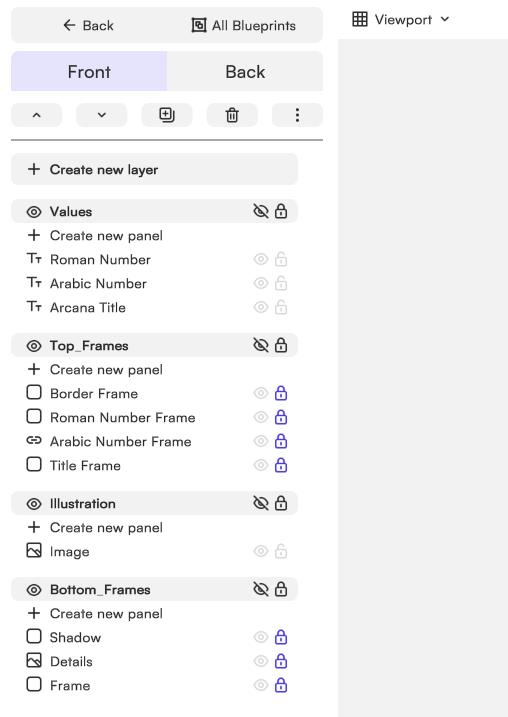
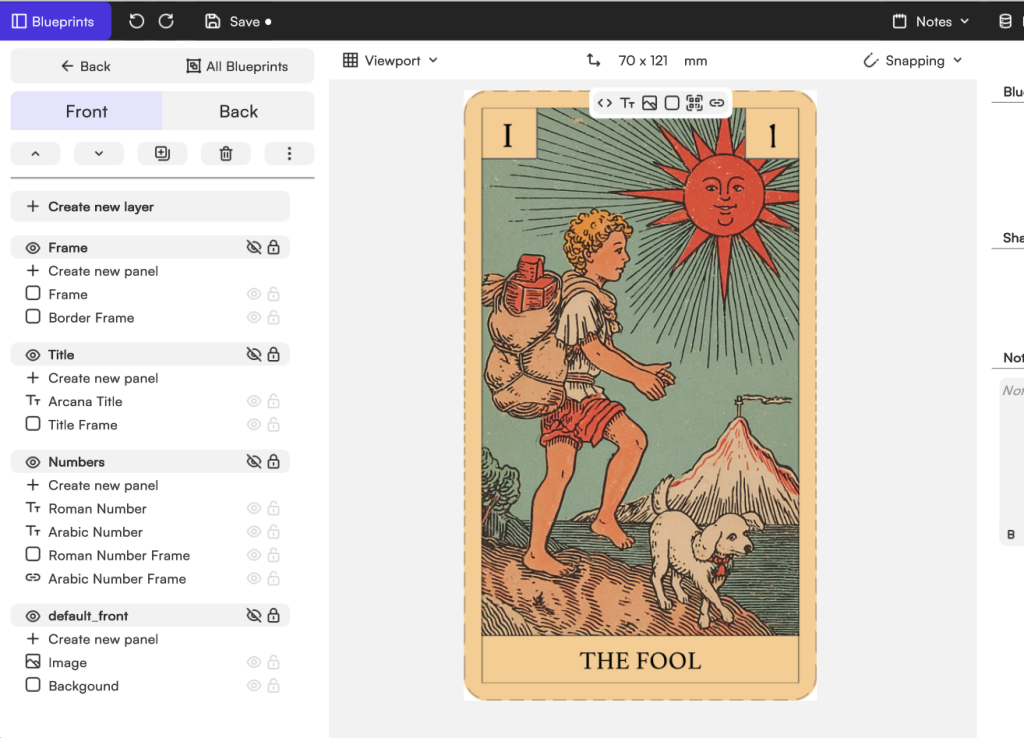
Despite their rich symbolism and often spectacular artwork, Tarot cards are actually made up of a few simple design elements. We like to think of them as three main building blocks: the frame, the text and numbers, and the illustration itself.
In our template, we’ve added a subtle texture around the border using one of the resources available in the media library. However, that’s just a starting point.
You can replace that texture with any background from the library, upload your own artwork, create aged paper effects, use decorative patterns, or build something completely different. Want your deck to feel like an ancient mystical artifact? Go for it. Prefer a clean modern aesthetic? That’s possible too.
You can also redesign the frame itself. Make it more ornate, more minimalist, more gothic, more futuristic… whatever fits the world you’re trying to create.
The card names and numbers included in the template are simply placeholder design choices.
The card name sits at the bottom, while the card number appears in both Roman and Arabic numerals at the top. Every element can be moved, resized, restyled, or completely reimagined.
You can change fonts, alignments, decorative containers, backgrounds, colors, shapes, and typography. Put the card names inside banners, speech bubbles, geometric panels, or remove them altogether. Center everything. Move the numbering. Use futuristic lettering or handwritten calligraphy.
There are no rules here beyond the ones you want your deck to follow.
And finally, we arrive at the true stars of any Tarot deck: the illustrations.
For many artists, designing a personal Tarot deck is one of those portfolio projects that has been sitting on the wishlist for years. If you already have your artwork prepared, replacing the placeholder images is incredibly straightforward.
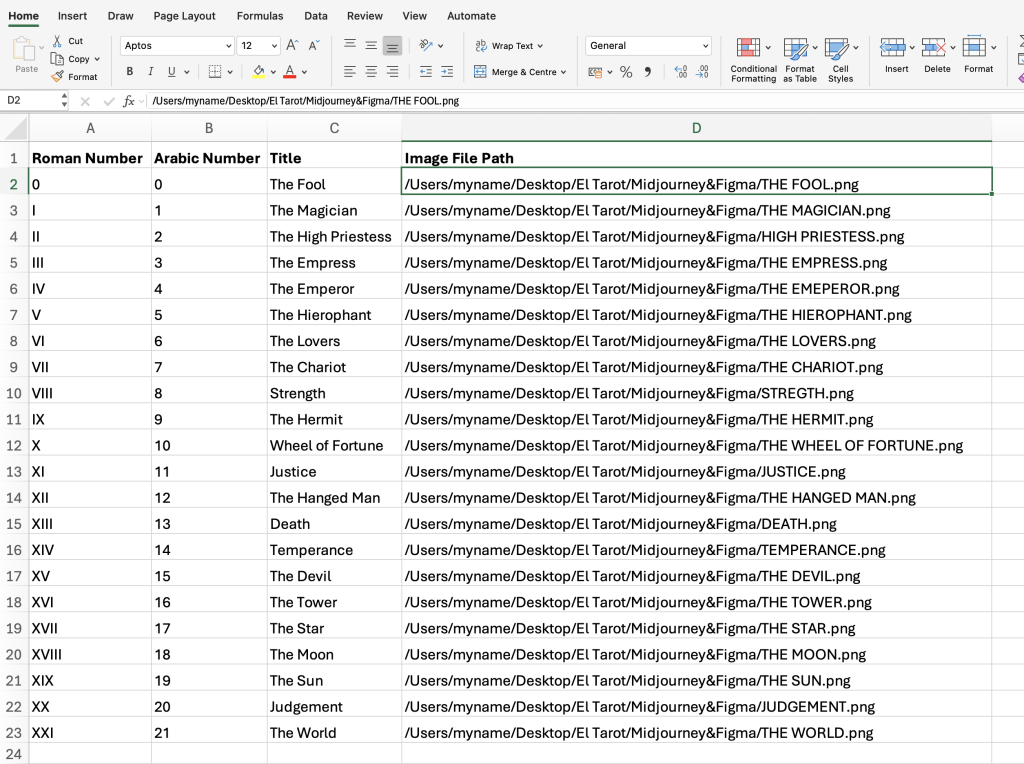
The fastest approach is to prepare a spreadsheet containing your card names, numbers, and image paths. Import the data, and Tabletop Creator will automatically populate the entire deck with your artwork and values.
Don’t feel like building a spreadsheet? No problem. You can simply edit the cards one by one until your deck is complete.
And if you’re planning to create the artwork directly inside Tabletop Creator, that’s perfectly possible too. You can combine resources from our media library, build characters from smaller components, assemble scenes from individual elements, and gradually develop your visual style card by card.
And of course, not every creator enjoys drawing. Some are much more comfortable prompting than sketching. If that’s your case, you can use our integrated AI image generator to experiment with concepts, characters and compositions until you find the perfect visual identity for your Tarot deck.
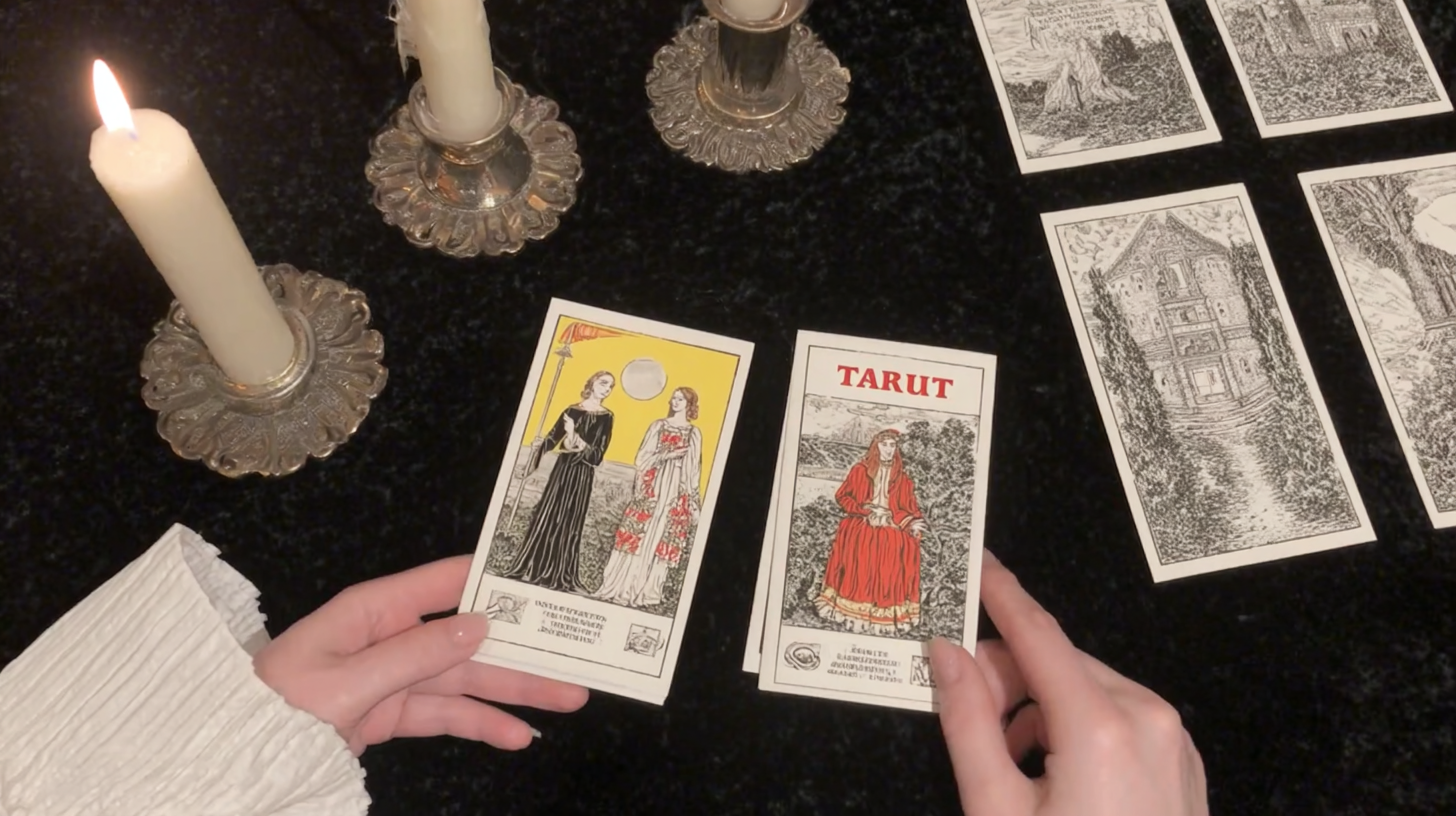
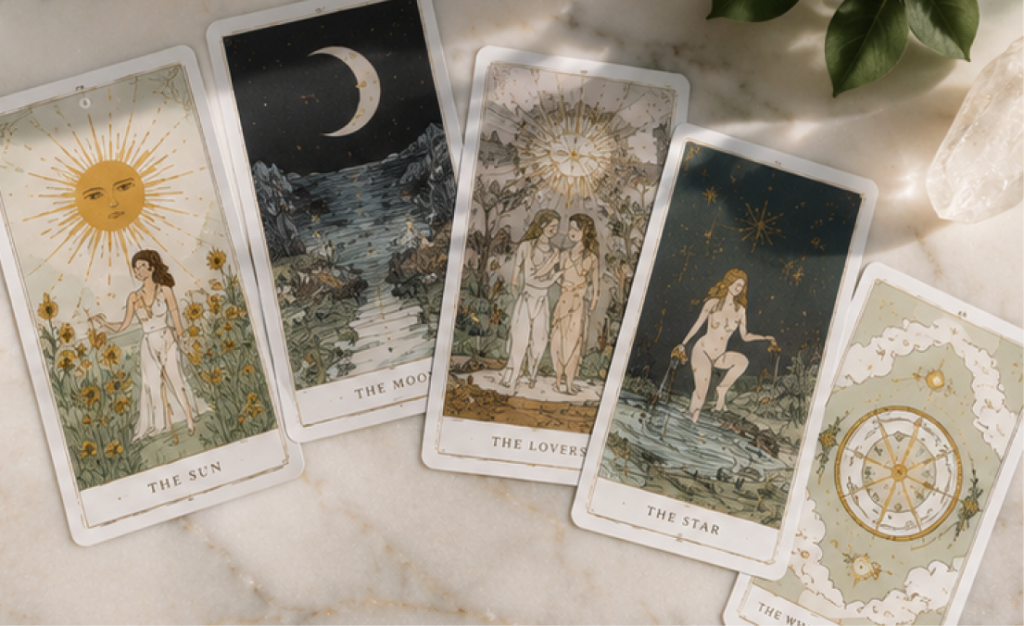
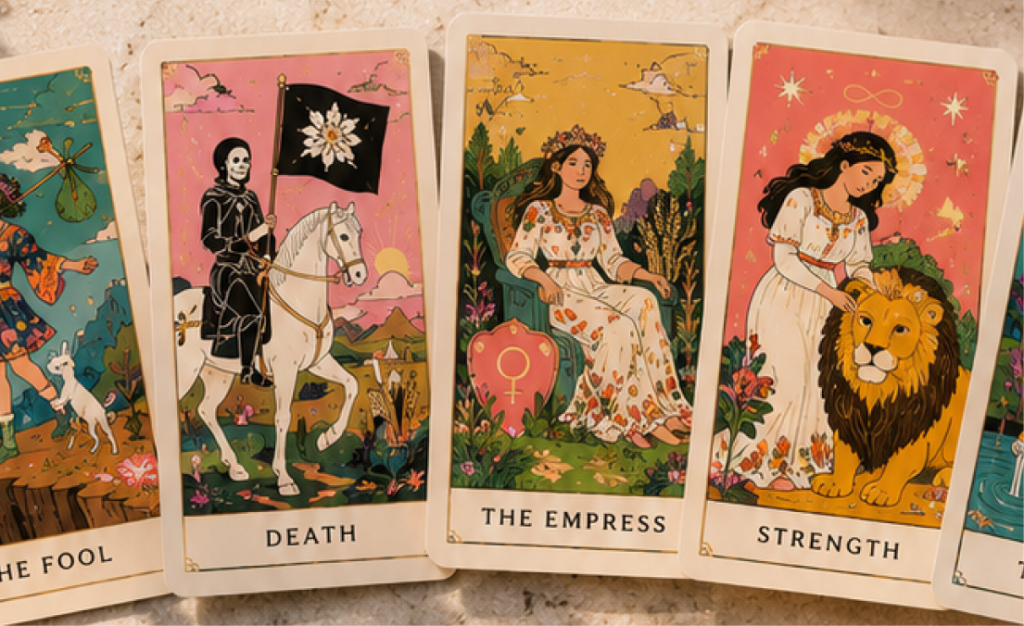
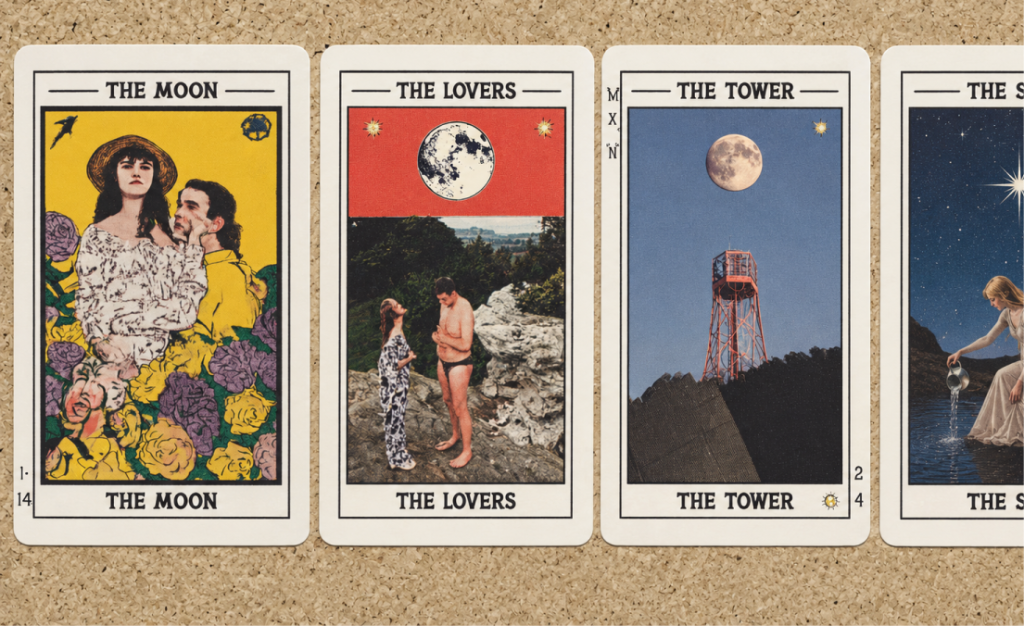
Tarot is probably one of the most reinterpreted and reimagined card formats in the world. Over the years, countless artists, illustrators and creators have transformed classic tarot structures into completely unique visual experiences — from dark fantasy aesthetics to minimalist modern decks, personal photography projects or even playful pet-themed cards.
While many traditional decks follow similar structures and proportions, the artistic possibilities are almost endless. Every creator brings their own symbolism, atmosphere and interpretation into the cards.
Designing a full tarot deck can feel overwhelming at first — especially when you have to manage dozens of cards, symbols, illustrations and layouts at the same time.
That’s why Tabletop Creator is built around a simple and visual editing system based on layers and panels. You can easily move, edit and customize every element of your cards without needing complex design workflows or advanced software knowledge.
One of the biggest challenges when creating custom tarot cards is maintaining consistency across the entire deck. With Tabletop Creator, you can build reusable card templates and apply the same structure, styles and layouts to every Arcana while still customizing individual illustrations, symbols, names and meanings.
You can even work with data import systems to automatically organize information such as Arcana names, card numbers, symbols or interpretations — making it much easier to manage large tarot projects and experiment with different creative ideas.
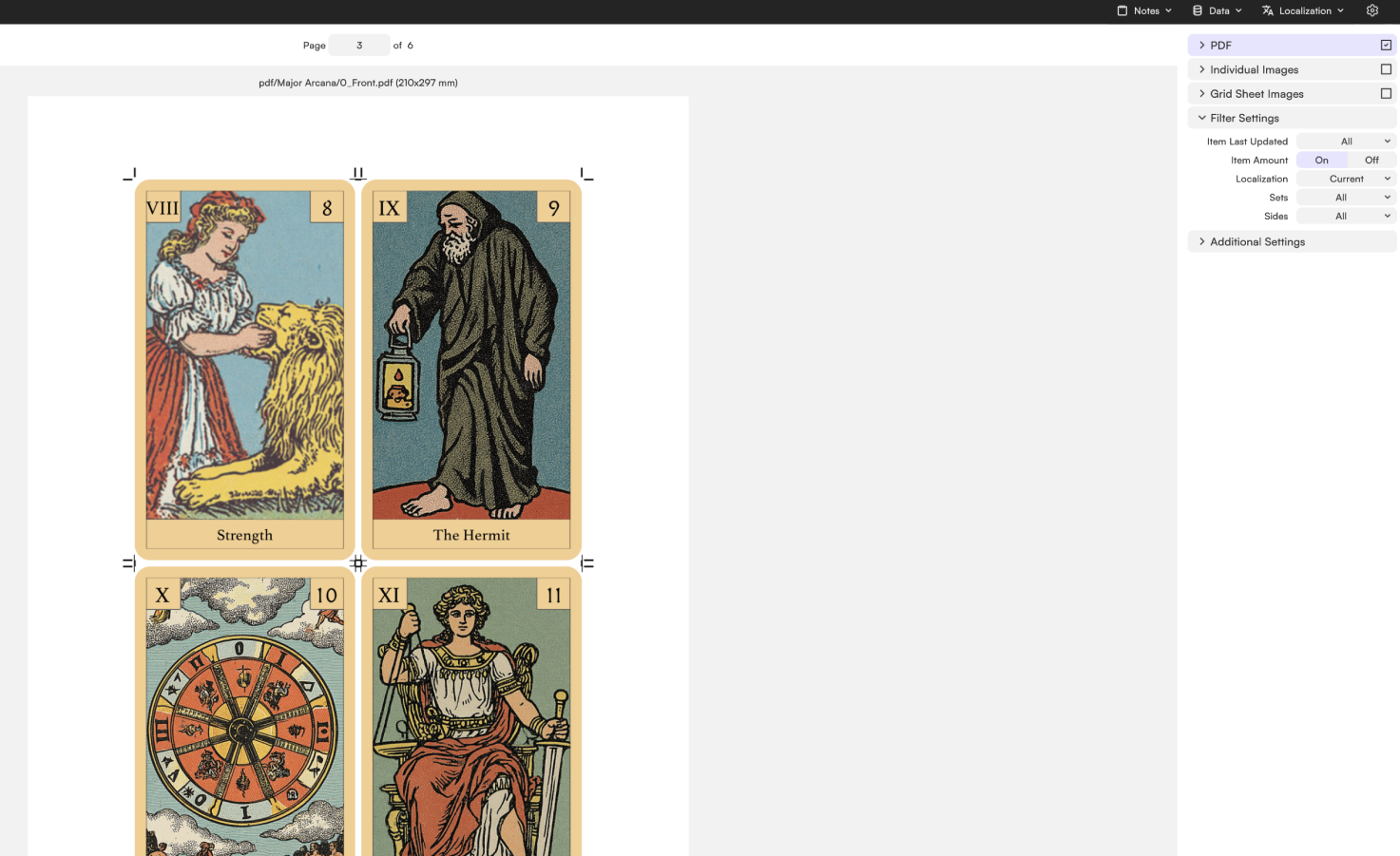
Once your tarot cards, illustrations and deck layouts are ready, head to the export section to prepare everything exactly how you need it. Whether you’re printing your deck at home, sharing it digitally or sending files to a professional manufacturer, Tabletop Creator lets you configure bleed, cut lines, front and back layouts, spacing and print settings to generate production-ready files in just a few clicks.
From classic tarot proportions to completely experimental formats, you have full control over how your cards are prepared and presented.
And once everything’s exported… it’s time to shuffle the deck, read the cards and bring your own tarot experience to life.
Create your own board game, make your dreams come true, and ruin your friends’ patience. With Tabletop Creator you’ll have the essential tools to do it easily.