✨ Blink and it's gone · 50% off · Last hours · ✨ Blink and it's gone · 50% off · Last hours · ✨ Blink and it's gone · 50% off · Last hours · ✨ Blink and it's gone · 50% off · Last hours · ✨ Blink and it's gone · 50% off · Last hours · ✨ Blink and it's gone · 50% off · Last hours · ✨ Blink and it's gone · 50% off · Last hours · ✨ Blink and it's gone · 50% off · Last hours ·

Create Your Own Custom Spanish Deck (Baraja Española)

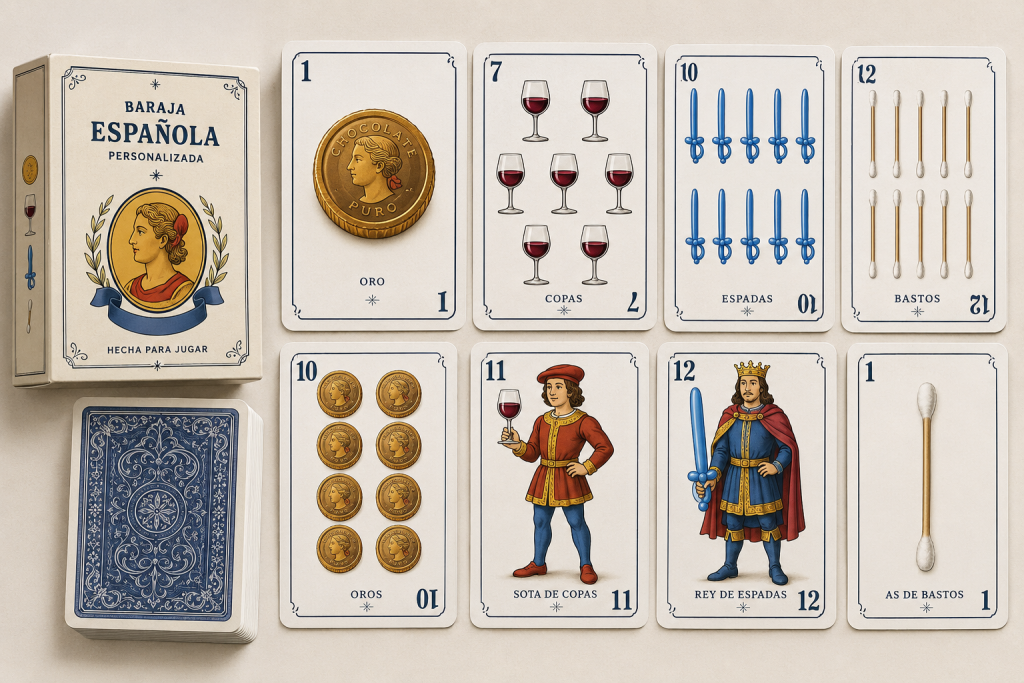
Design your own baraja española: suits, court cards and backs, fully customizable.

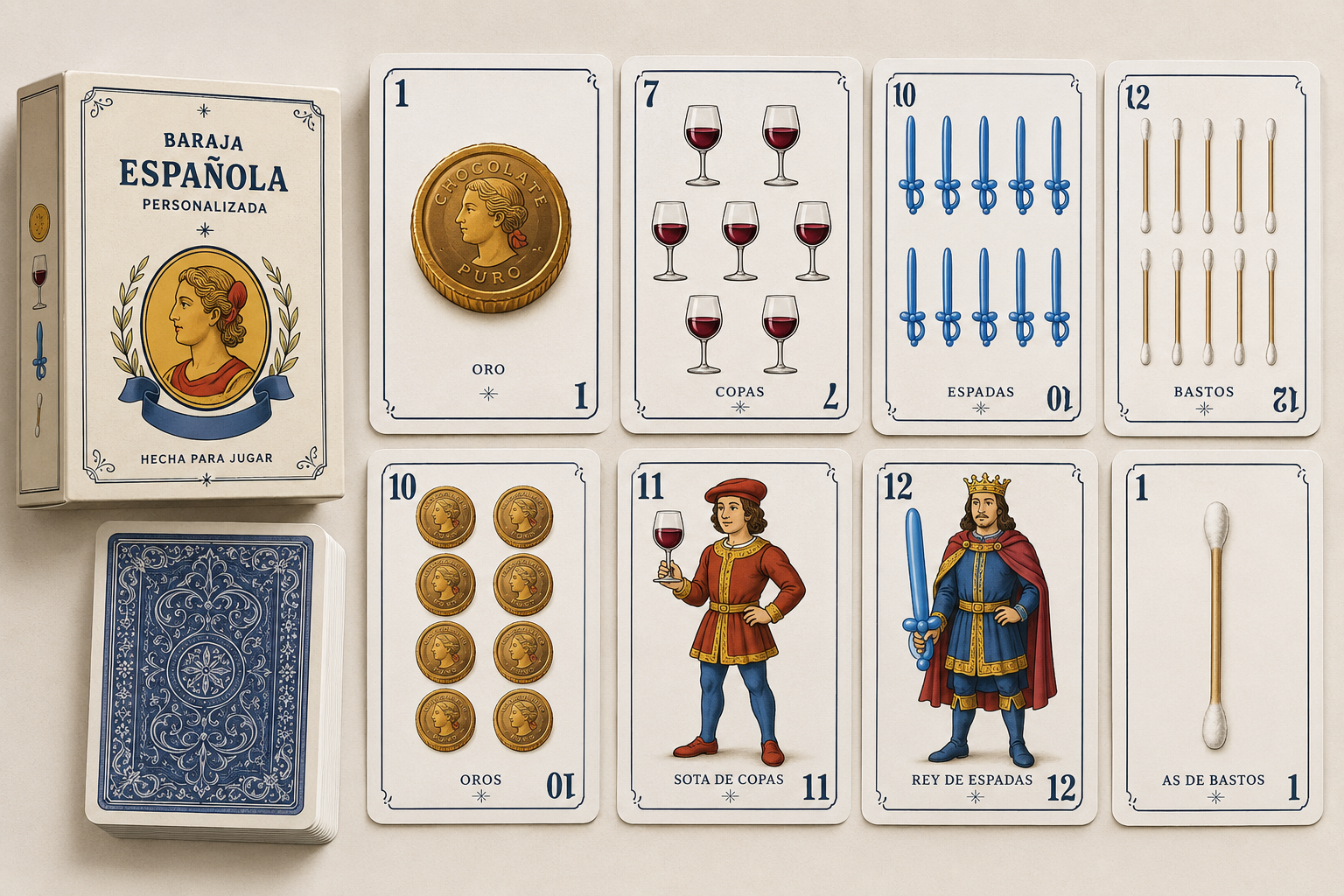
Whether you want to reinvent oros, copas, espadas and bastos with your own art, build a themed deck for family game night, or put a personal spin on a design that's stayed almost unchanged for over a century — this template gives you everything you need to design a fully custom Spanish deck from scratch.

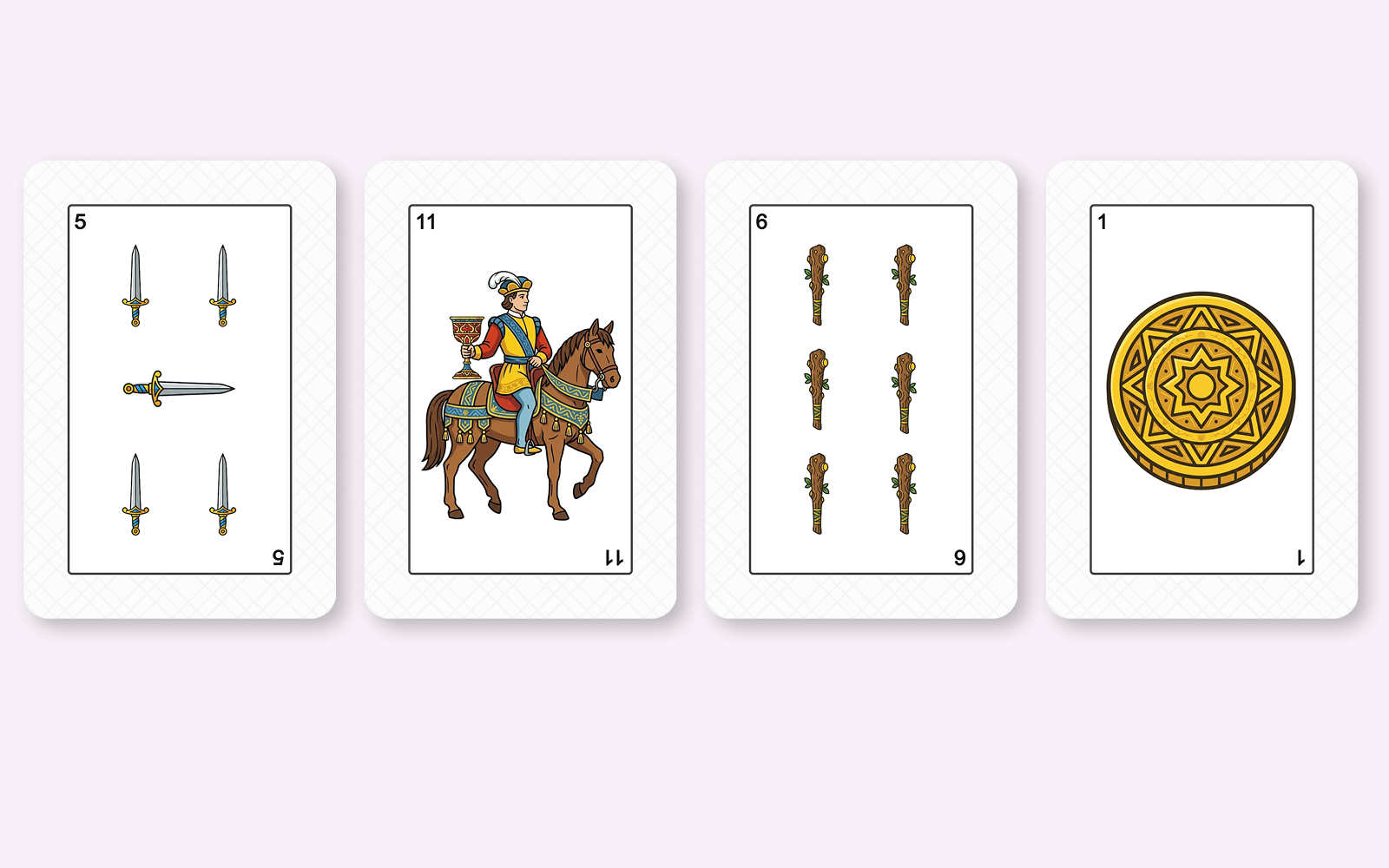
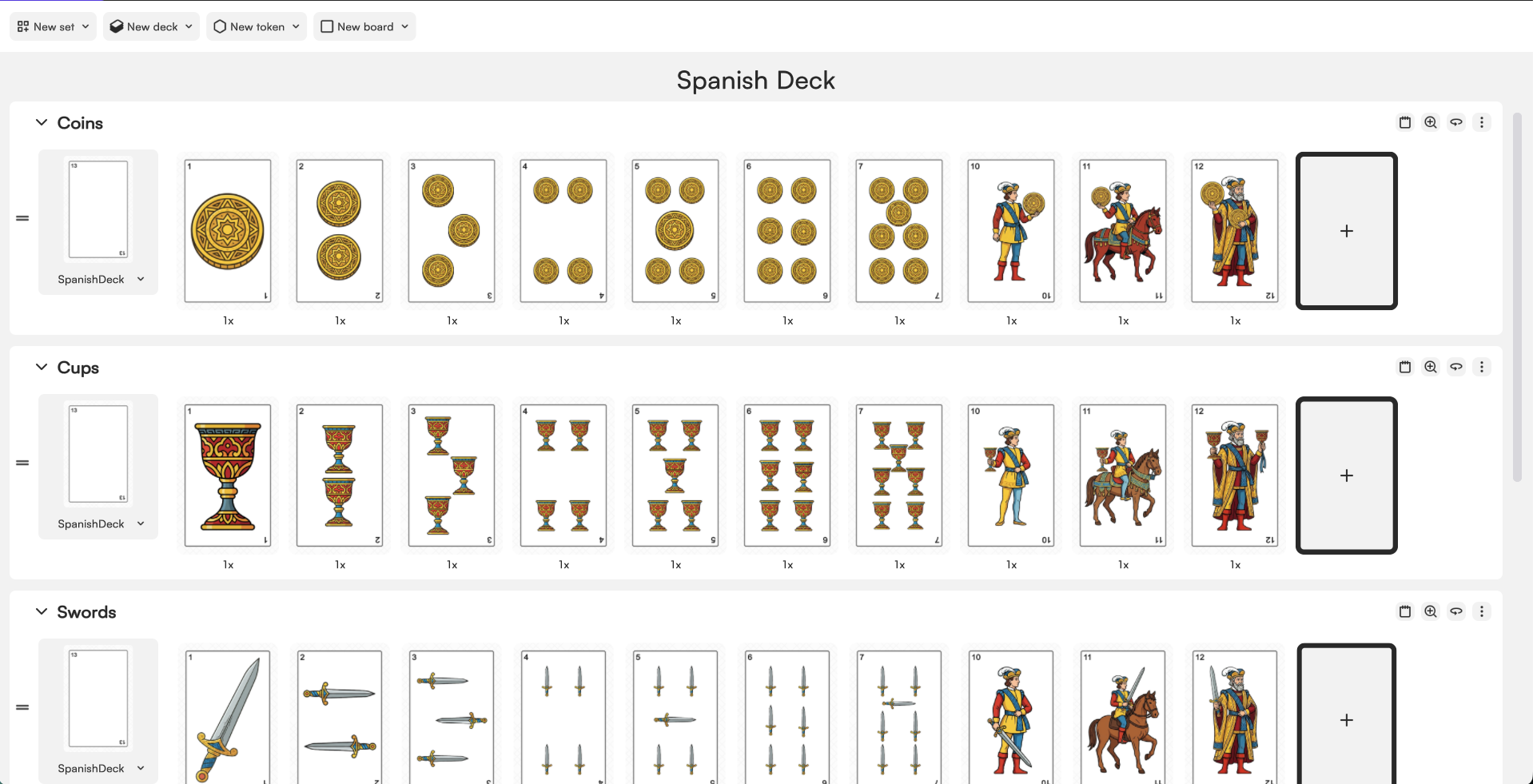
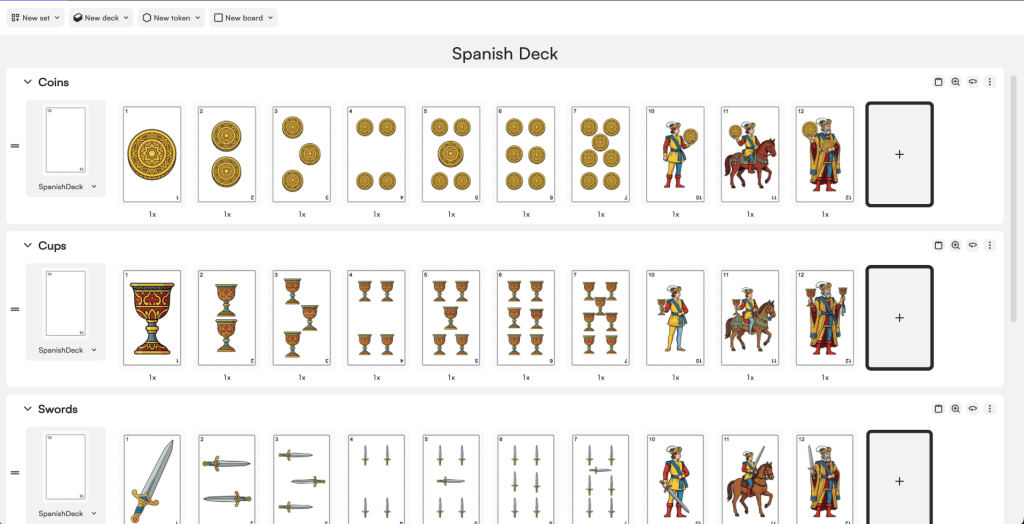
  • The full 40-card Spanish deck across all four suits — oros, copas, espadas and bastos, each with as, 2 through 7, sota, caballo and rey
  • 2 jokers included, for 42 cards total
  • Standard Spanish card format (61.5 × 95 mm, 5 mm bleed)
  • A shared card back design (logo + background color) across the whole deck
  • A smart numbered-card layout: fill in one symbol and the matching positions on that card update automatically — no need to place every pip by hand

First things first… How do you edit this template?

Step 1
Download the template
Step 3
Open Tabletop Creator on your computer.
Step 4
Launch the .tcp file included inside the template folder.
Step 5
Start customizing the template

What's Included in The Spanish Deck Template

  • Standard poker card templates (all 52 cards + jokers)
  • Fully customizable card backs
  • Face card layouts (King, Queen, Jack)
  • Number card structures with editable suit symbols
  • Poker-sized card format (2.5 × 3.5 in / 63 × 88 mm)

How to start editing the Spanish Deck template

Getting this template ready to edit only takes two things:

  • The Tabletop Creator app (download it here)
  • The Spanish Deck template from the download buttons on this page

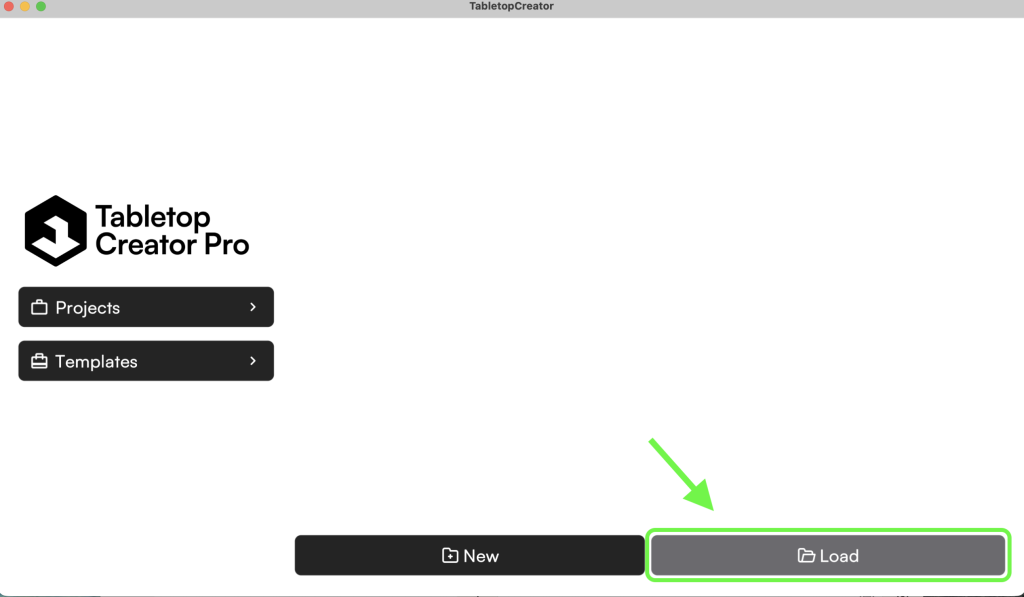
Unzip the file, open Tabletop Creator, head to Projects, and click Load. Select the folder you unzipped and open the .tcp file inside.

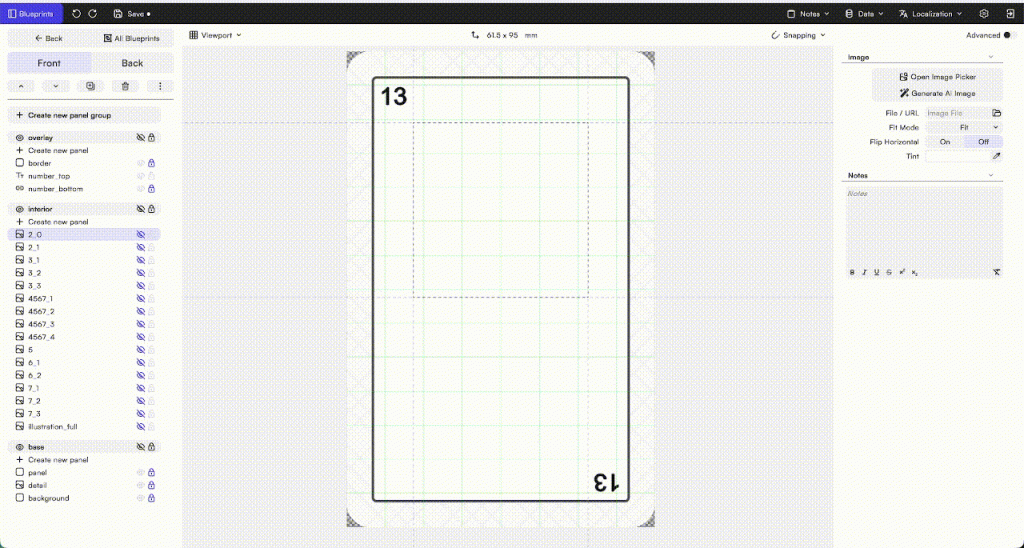
The project opens with two blueprints: SpanishDeck, the numbered card used for every suit, and Joker, a separate blueprint for the two jokers — so redesigning the jokers never touches the rest of the deck.

How the Spanish Deck template works

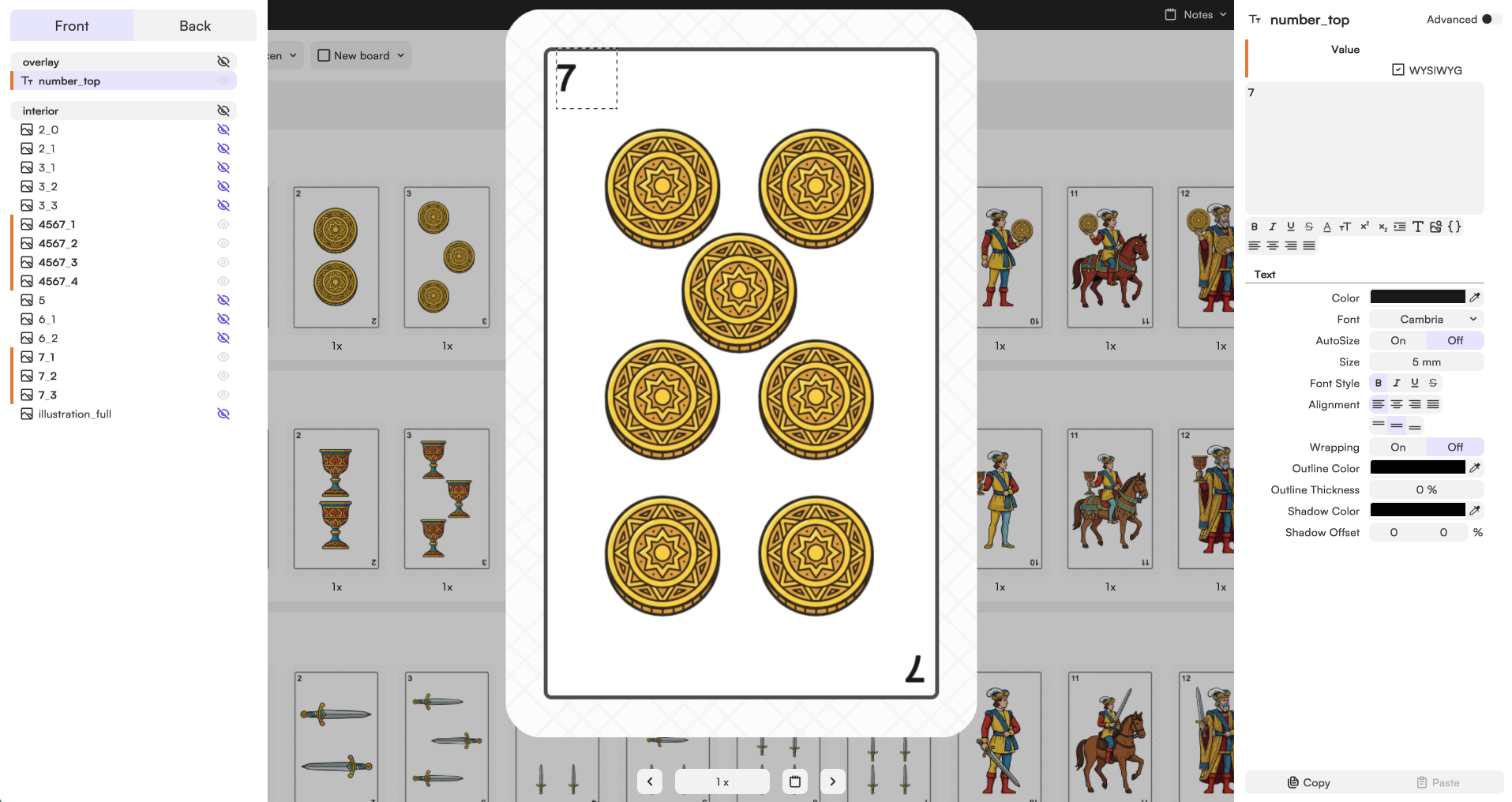
Each numbered card is built from three panel groups: an overlay with the decorative border and the corner numbers (the top number is editable per card; the bottom number is a linked, mirrored copy that’s generated automatically — you never touch it by hand), an interior with the card’s actual symbols, and a base with the background pattern and border shared across the whole deck.

The interior is where the clever part lives. Every panel in this group is named following a simple pattern: a number that tells you which card(s) it belongs to, followed by an underscore and a second number that just tells panels apart when more than one applies to the same card. So a panel named “2345” shows up on the 2, 3, 4 and 5 — and if that card needs more than one copy of the same symbol, each extra one gets its own “_1”, “_2” and so on after the underscore, purely to keep the names unique. You only fill in the first one, and every other panel that shares its base number updates to match automatically. The figure cards (sota, caballo, rey) skip all that and use a single full-card illustration slot instead.

The Joker blueprint follows the same overlay/base logic, just simpler: a border, a decorative icon, and a full illustration slot

Changing the suit symbols

Want to replace the classic oros, copas, espadas and bastos with your own icons — say, a manga-style sword instead of the traditional espada?

Work through that suit’s set card by card. On each card, replace the icon in the first image panel — the rest of that card’s matching panels pick up the change automatically. Once you’ve been through all ten cards (as, numbers, and the three figures with their full illustration), don’t forget to rename the set itself to match your new suit, so it’s not still labeled “Espadas” once it’s full of manga swords.

The Classic Structure and history of the Spanish Deck

The baraja española as we know it today has a name behind it: Heraclio Fournier González. Fournier set up his card-printing business in Vitoria-Gasteiz back in the 1860s, and by 1889 the design commissioned to illustrator Augusto Rius had become the deck’s definitive look — the one that, with barely a tweak, is still what most Spanish and Latin American players picture when they think “baraja española.”

That’s the structure this template is built on: four suits (oros, copas, espadas, bastos), no queens, three court cards per suit (sota, caballo, rey) instead of the French deck’s four, and numbers running 1 through 7 before jumping straight to the figures — 40 cards in the classic count, sometimes stretched to 48 or 50 with extra jokers depending on the region and the game.

Fournier itself is still around, now part of the Cartamundi group, and its 1889 design is still the reference point every Spanish deck — official or custom — gets measured against. Reinventing it isn’t starting from a blank page; it’s remixing something with over 130 years of history.

Design Your Own Spanish Deck Without the Headache

Managing 40 or 48 cards — each with its own suit, number or figure, and consistent back design — gets messy fast if you’re doing it by hand. Tabletop Creator handles that for you. The layer-based editor lets you build the card structure once and apply it across the full deck: change the color palette, swap the suit icons, drop in your own artwork or generate visuals with the built-in AI tool, and everything updates consistently.


Keep Every Card Consistent Across Your Customized Spanish Deck

 With Tabletop Creator you build reusable blueprints for each card type — numbers, court cards, backs — and keep fonts, colors, symbols and layout locked in across all of them while still customizing each card individually. Update all the backs at once, swap every suit icon in seconds, or import card data from a spreadsheet to keep names and values organized automatically.

Custom Spanish Deck Ideas: What Are People Actually Making?

Personalizing a baraja española doesn’t stop at the back design. Once people start, they tend to go further.

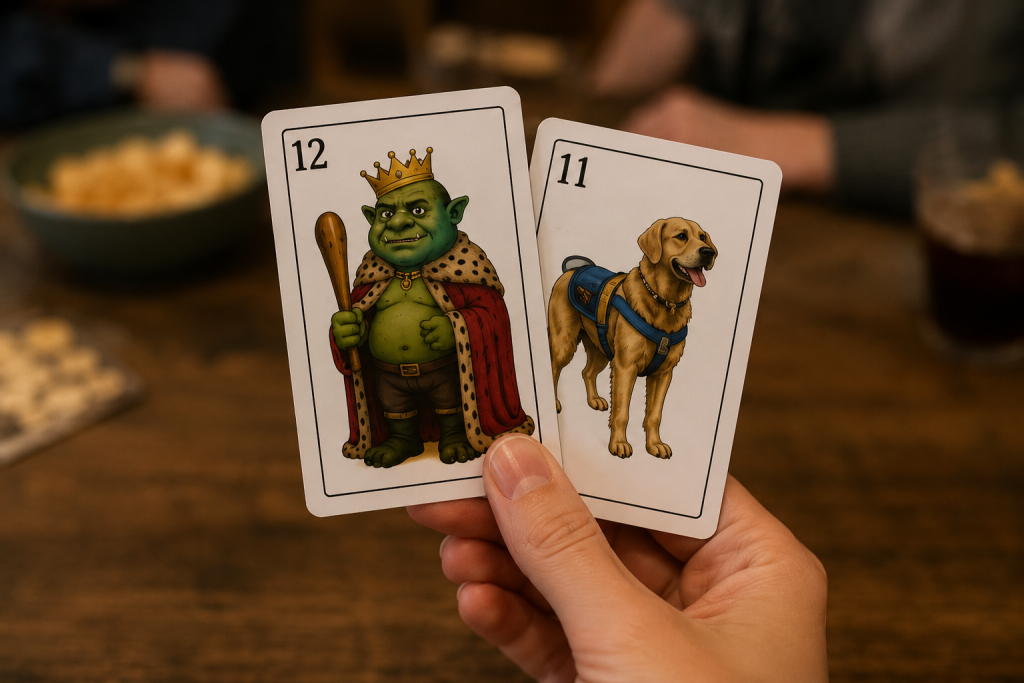
Swapping the court cards is one of the most popular moves — putting friends, family, or inside jokes on the sota, caballo and rey instead of the traditional figures. It’s a deck people actually recognize as “theirs” the moment they pick it up, and it turns every hand of mus into a running joke.

Face cards are another obvious target. The King, Queen and Jack have looked more or less the same for centuries, which makes them a perfect canvas. Put your friends on them, your pets, your favorite characters, or just a completely original illustration. It’s one of those details that makes people stop mid-game just to look at the card.

A gift that actually gets used

A custom-backed baraja is one of the most cost-effective personal or branded gifts you can make: a wedding favor, a family reunion deck, a small business giveaway with the shop’s logo on the back. Unlike most printed merchandise, a deck of cards people can actually play mus or brisca with tends to survive the drawer.

Regional games, personal touch

Because the Spanish deck powers so many regional games — mus in the north, tute and brisca almost everywhere, cinquillo for bigger groups — a lot of custom decks are built around a specific game night group: house rules printed on the box, inside jokes on the figures, a deck that’s tuned to exactly how your table plays.

Spanish Deck Size, Specs and Print-Ready Export

The standard Spanish card size is 61.5 × 95 mm — the format most Spanish and Latin American print shops recognize without asking questions.

Tabletop Creator works at any size you need, standard or not. You pick the dimensions, design within them, and export files ready to send straight to any printer.

Export print-ready files in a few clicks

The export settings let you configure bleed (typically 3 mm per side), cut marks, resolution (300 DPI) and color layout for front, back or both. You get a clean, professional file ready for any print shop — no extra design software, no back-and-forth fixing files.

Design it, export it, send it. That’s the whole process.

Download now Tabletop Creator

Create your own board game, make your dreams come true, and ruin your friends’ patience. With Tabletop Creator you’ll have the essential tools to do it easily.

Get your free template

Drop your email and it’s yours. Instantly.

Get your free template

Drop your email and it’s yours. Instantly.

Get your free template

Drop your email and it’s yours. Instantly.

Get your free template

Drop your email and it’s yours. Instantly.

Get your free template

Drop your email and it’s yours. Instantly.

Get your free template

Drop your email and it’s yours. Instantly.

Download it to your favorite device

Any doubts?

Gepeto is here to help you