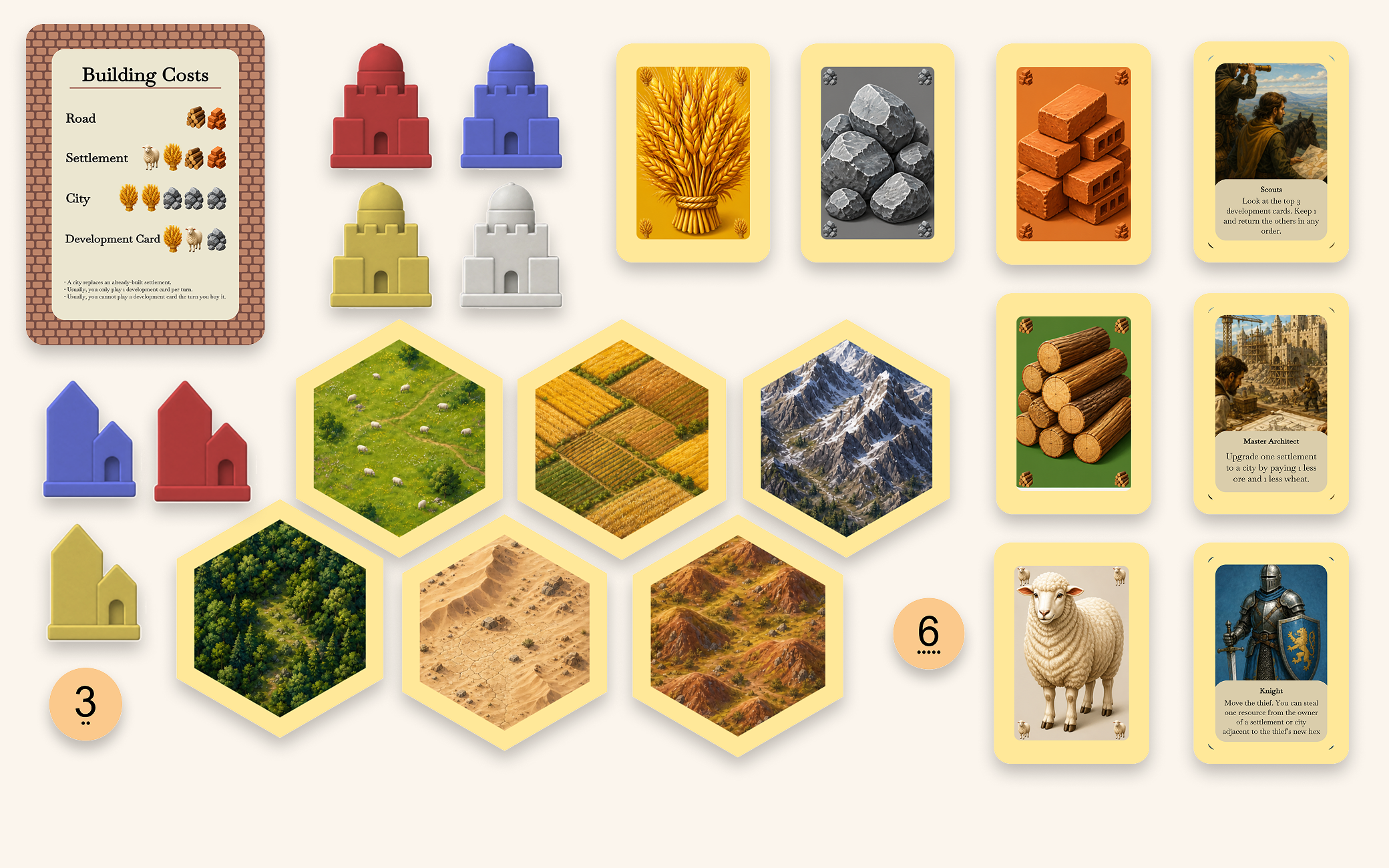
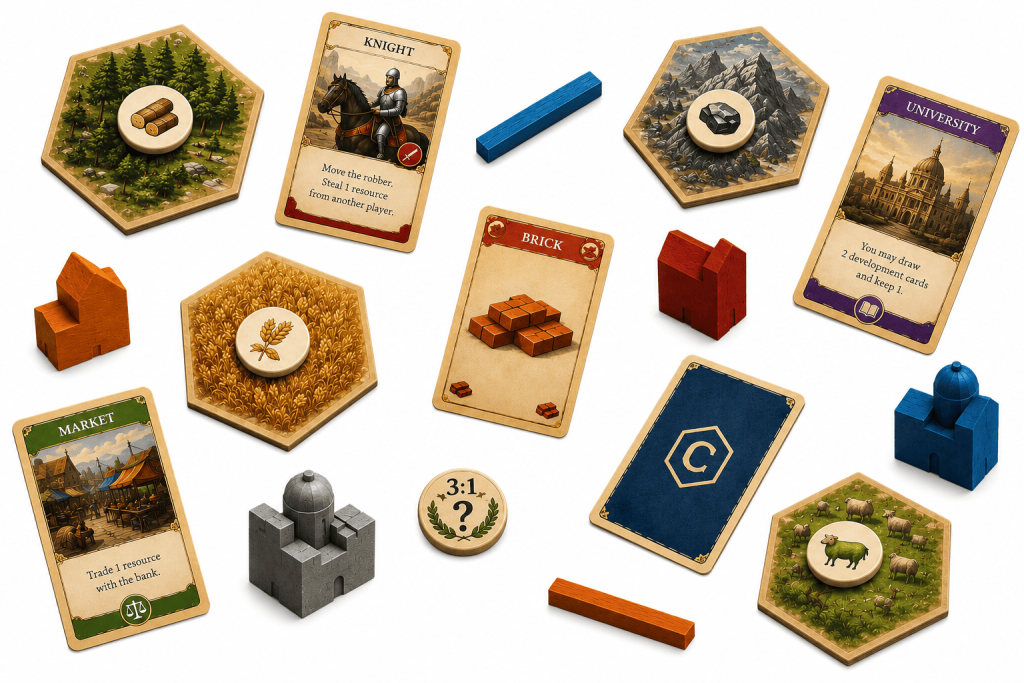
If you’ve ever wanted to create your own version of Catan, this customizable template gives you everything you need to get started. Edit hex tiles, resource cards, development cards and modular board layouts to create your own unique strategy board game with Tabletop Creator.
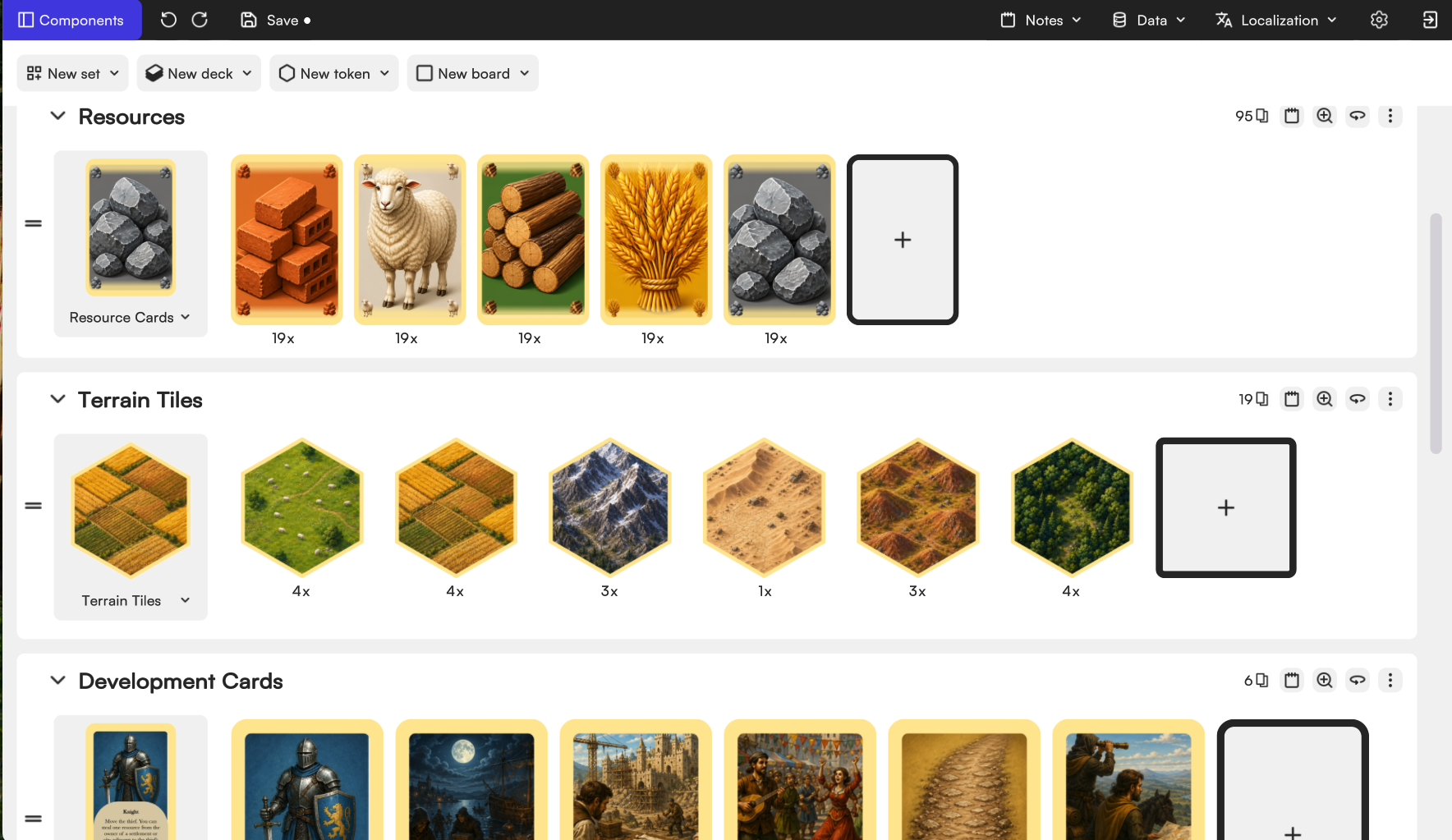
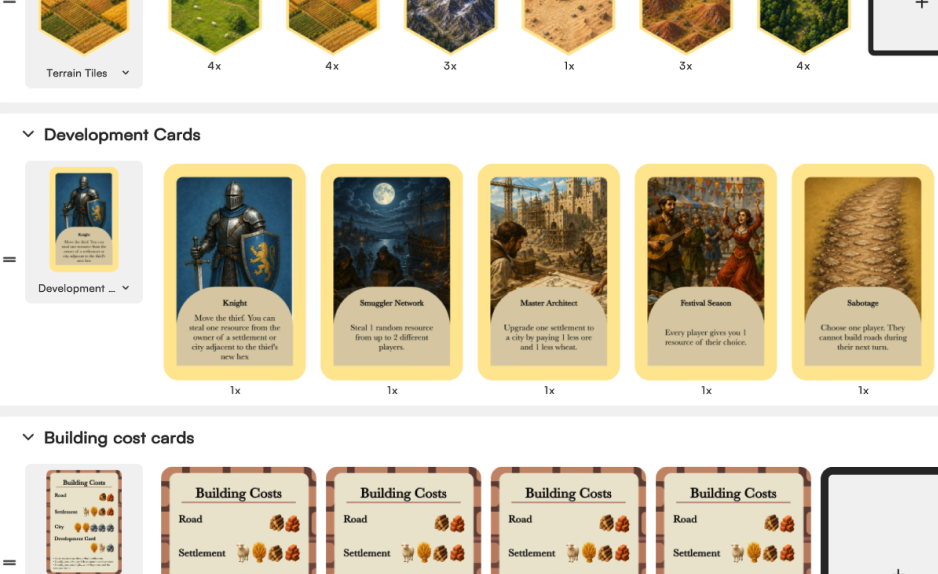
Once you download and open the template in Tabletop Creator, you’ll find a customizable setup inspired by the original Catan board game. We’ve prepared a blueprint for every type of component, along with complete sets for each one — terrain tiles, resource cards, development cards, tokens and more.
From there, you can start making it your own. Replace artwork with your own ideas, add as many components as you want, change colors, experiment with different shapes and even create completely new decks and mechanics to make your version of Catan more dynamic. Want to turn your board into Mars? A frozen wasteland? A fantasy world floating in space? Go for it. You can even build your own expansion from scratch.
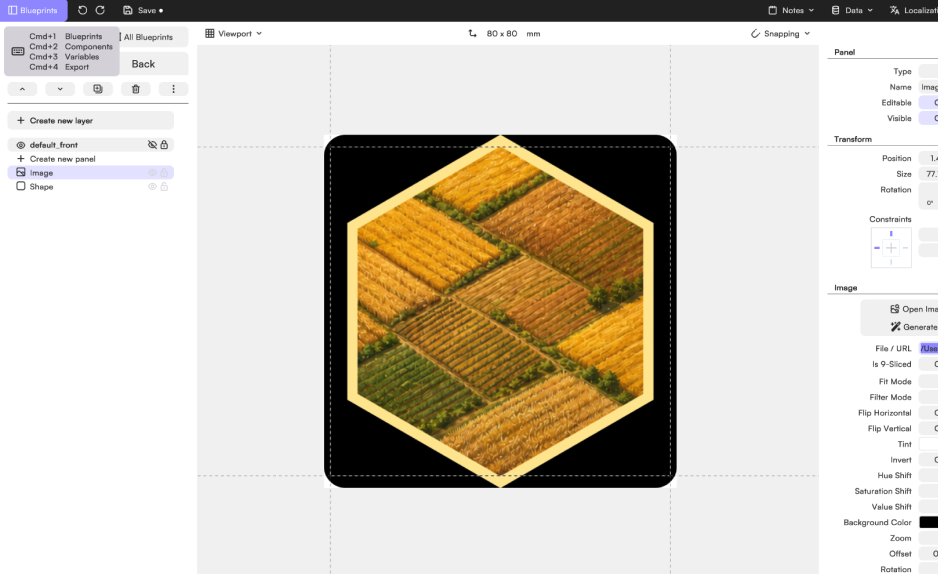
The hex tiles in this template use an 80×80 hexagonal blueprint with 6 sides, inspired by the classic Catan layout. But you can easily experiment with new shapes, add more sides or angle the edges so tiles connect together like puzzle pieces.
The blueprint itself is intentionally simple: just the hexagonal shape and the image inside it, making the system flexible, clean and easy to customize.
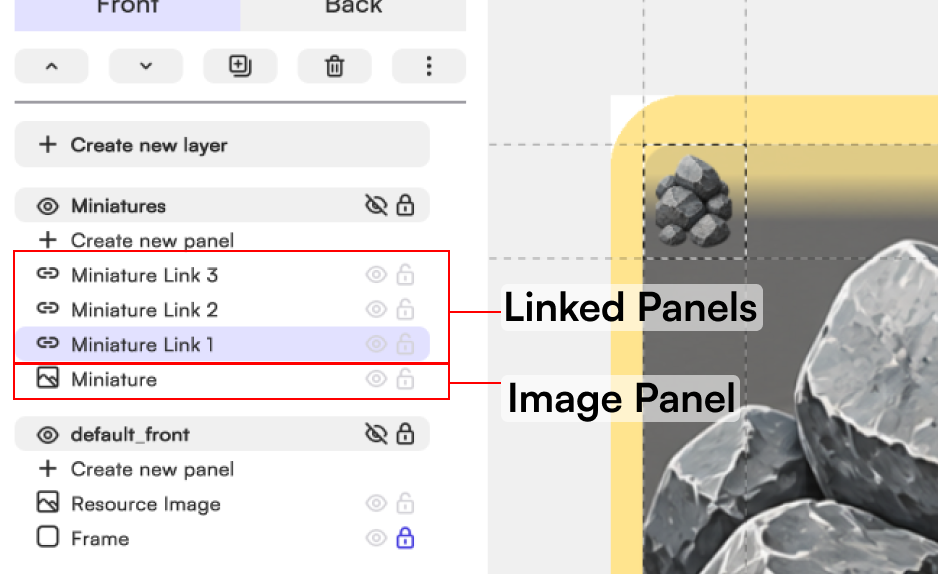
The resource cards use the classic Mini Euro card format (44×67 mm) and are built with a procedural background panel, a central image and small corner thumbnails.
And remember: inside the image panel, you can upload your own images, use assets from the media library or generate artwork directly with Tabletop Creator’s integrated AI tool
And extra hack: thanks to the linked panel system, you only need to change one of the corner thumbnails for the other three to update automatically too..
Development cards are where things can get really fun. Add special actions, unexpected events or entirely new mechanics to make your game more dynamic and replayable.
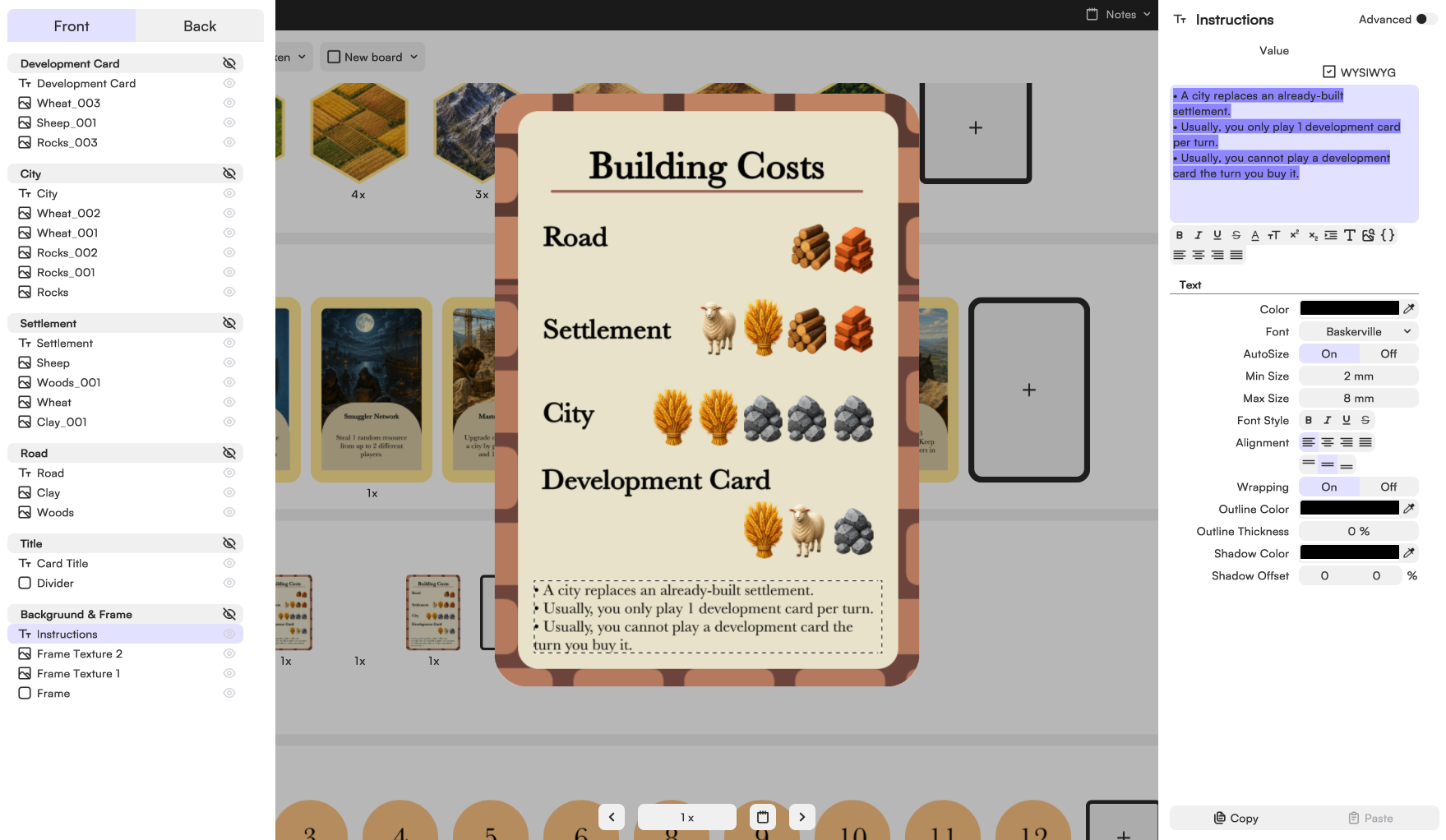
These cards use the same Mini Euro format (44×67 mm) and are built with a simple image layer plus a text layer containing the background, title and description. You can easily edit existing blocks from the properties panel or add banners, textures, icons and extra effects.
And if you end up creating tons of cards for your own expansion, you can always import titles, descriptions and image paths directly from Excel or spreadsheets to generate large decks much faster.
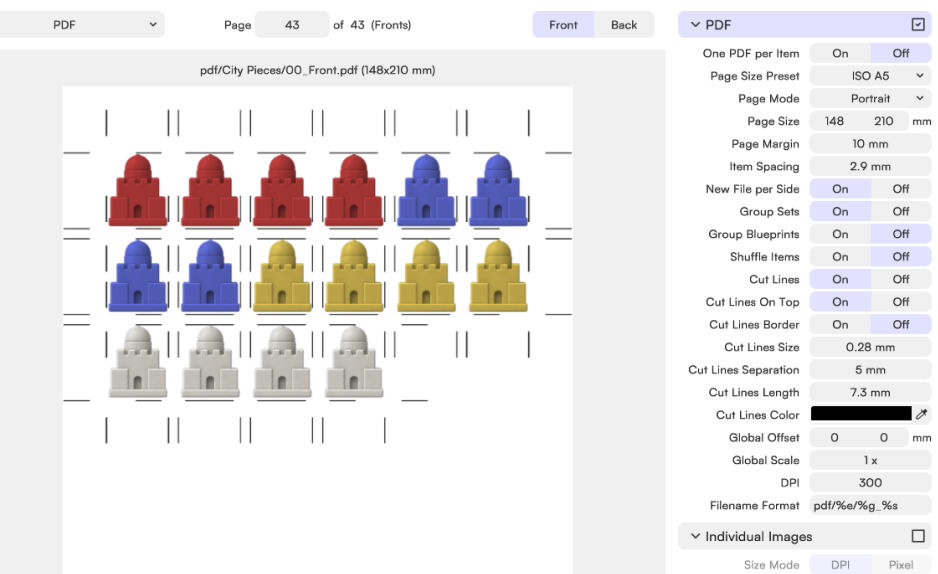
Roads, settlements and cities are organized as reusable component sets, making it easy to keep a consistent visual style across every player piece.
And remember: they don’t need to be fully 3D to look great. Shadows, textures and layered artwork can already create a lot of depth while keeping everything easy to print and prototype. We used assets from the media gallery for this template, but this is the perfect place to get creative — who says settlements can’t become modern vans, futuristic colonies or tiny space stations?
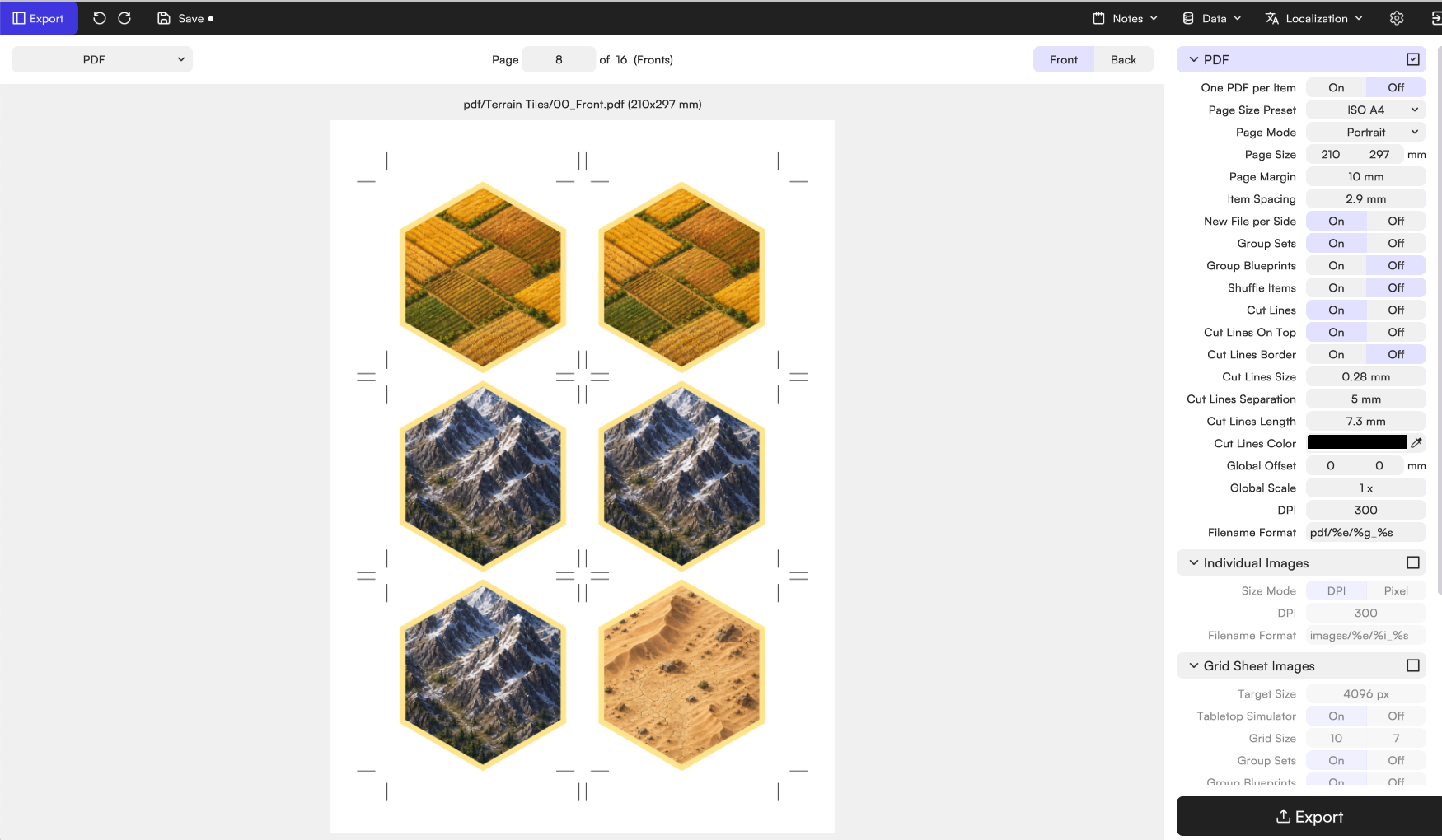
Once your board, cards and components are ready, head to the export section to prepare everything exactly how you need it. Whether you’re printing at home or sending files to a professional manufacturer, you can configure bleed, cut lines, front and back layouts, spacing and print settings to get production-ready files in just a few clicks.
And once everything’s exported… it’s time to start playing.
Create your own board game, make your dreams come true, and ruin your friends’ patience. With Tabletop Creator you’ll have the essential tools to do it easily.